- Compatible Systems: Windows,MacOS,Linux,Others
- High-concerned chemical: None
- Package: Yes
- Certification: CE,FCC,RoHS
- Funtion: RJ45,3.5mm,USB-A,USB-C,Charging,HDMI-Compatible,HDMI-Compatible/RJ45
- Standard: USB 3.2 Gen2
- Interface Type: USB 3.2 GEN 2
- Brand Name: BASEUS
- Ports: USB 3.2
- Origin: Mainland China
- Feature 1: Triple Display for macOS
- Feature 2: Transfer a 20G File in 20s
- Feature 3: Smart LED Display
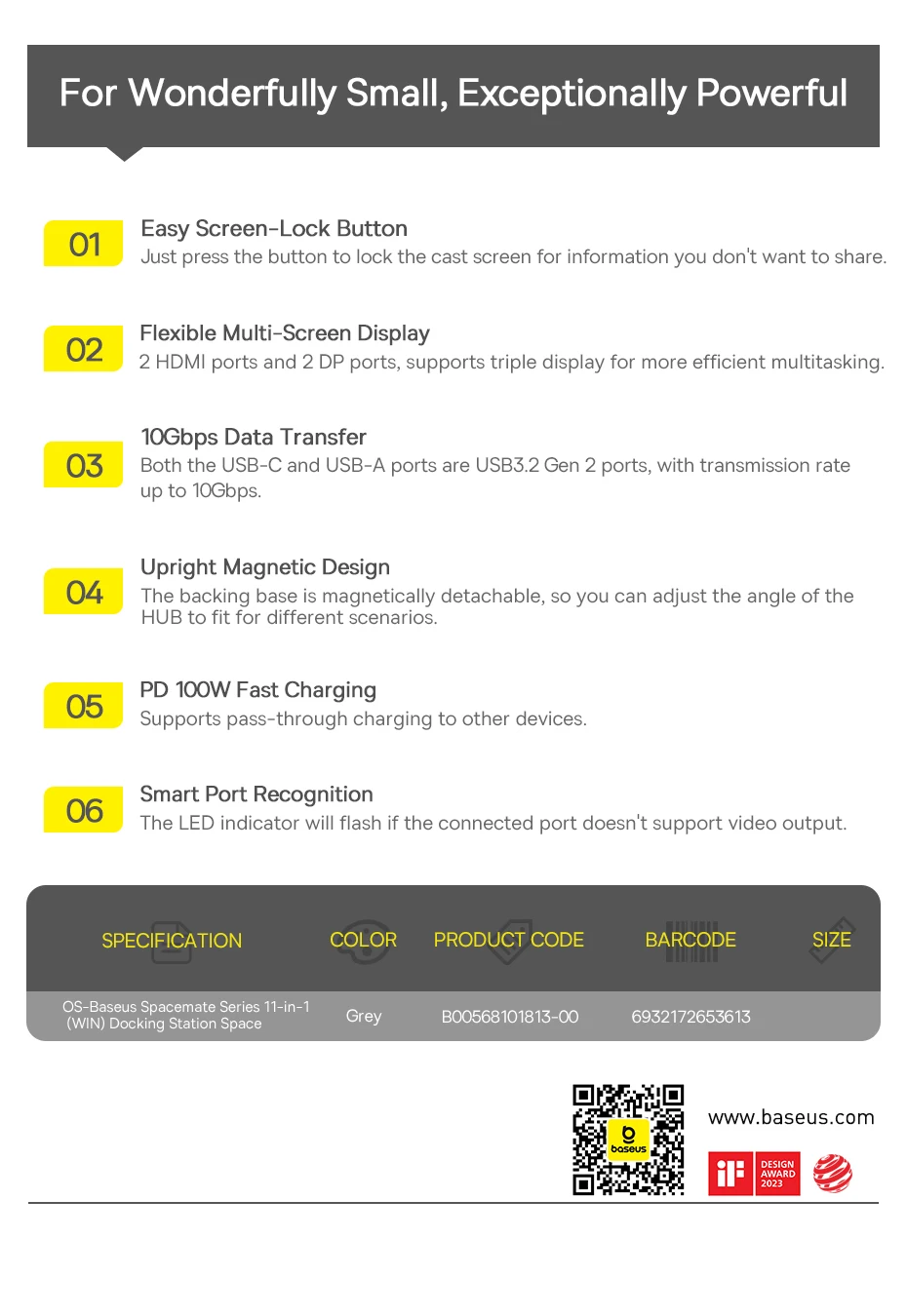
- Feature 4: Screen-Lock Button to Protect Your Privacy
- Feature 5: Small, but Powerful
- Feature 6: Stable & Fast Network Up to 1Gbps
- 3 x Video HDMI: 4K@60Hz (Max.)
- 1 x USB-C 3.2 Data Port: 10Gbps
- 2 x USB-A 3.2 Data Port: 10Gbps
- 2 x USB-A 2.0 Data Port: 480Mbps
- RJ45 Gigabit Ethernet: 1000Mbps
- 3.5mm Audio Jack: Audio in & out
- USB-C (PD) Power Input Port: 100W input

⚠️Note:
✅Only the base of models "11-in-1 For MAC" and "11-in-1 For WIN" support magnetic attachment function.
❎The base of model "12-in-1 For WIN" does not support magnetic attachment function.
Baseus
<New Arrivals>
Baseus Spacemate Series 11-in-1 (MAC) Docking Station
—————————————————–
Efficient. Productive. Organized.
Practical. Reliable. Base on User.
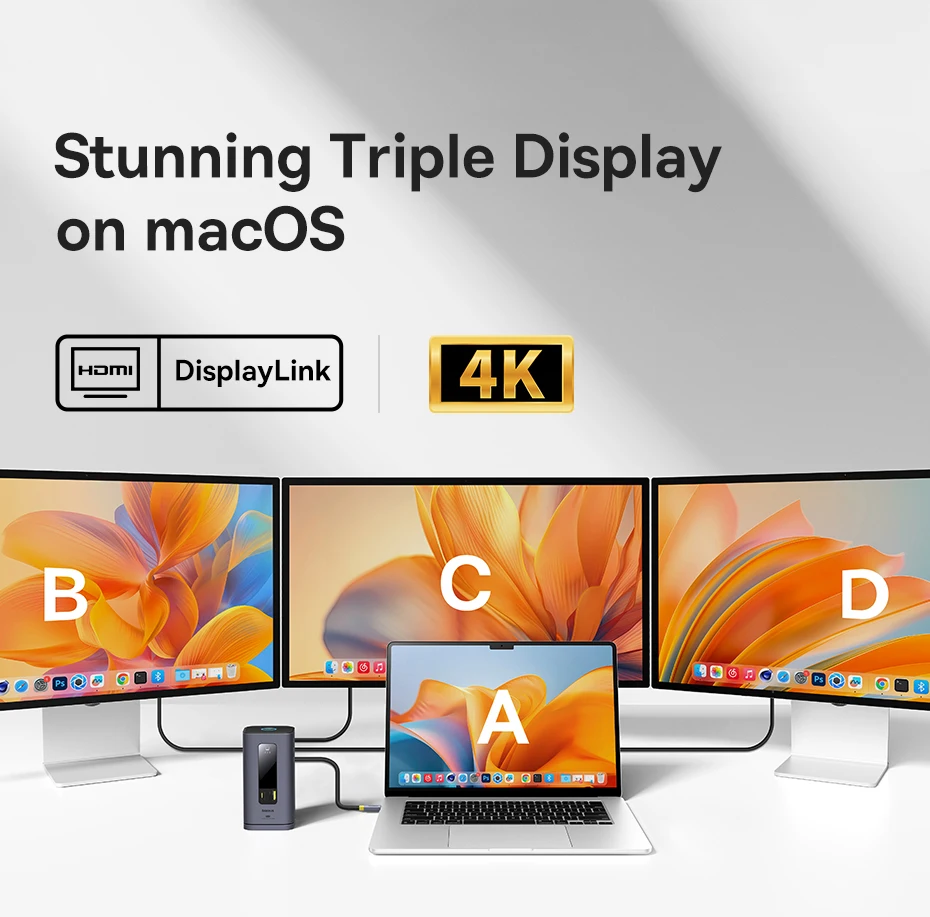
①【Triple Display for macOS】Support main monitor A to B+C+D 4K ultra-clear display.
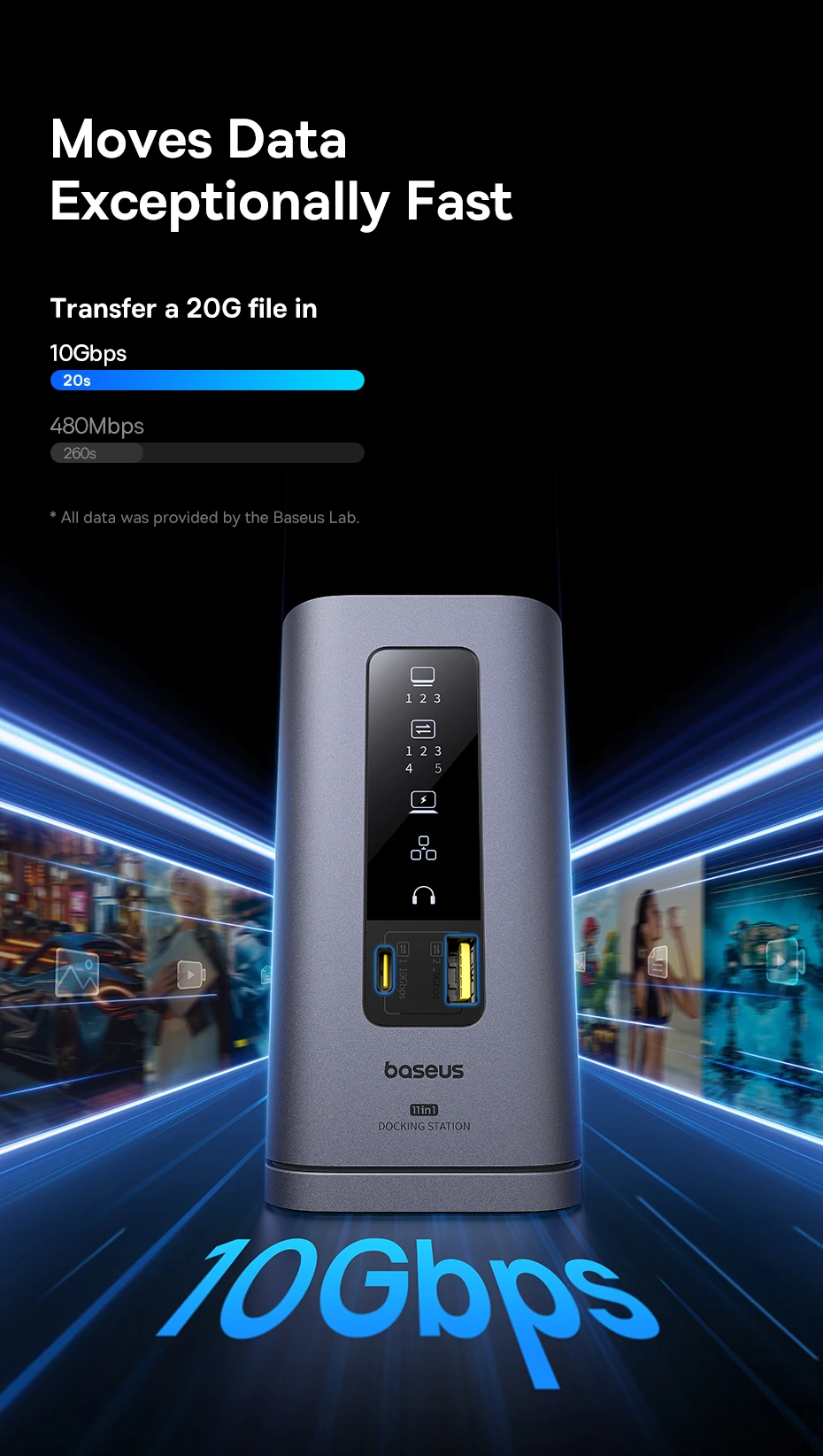
②【Moves Data Exceptionally Fast】Transfer a 20G file in 20s.
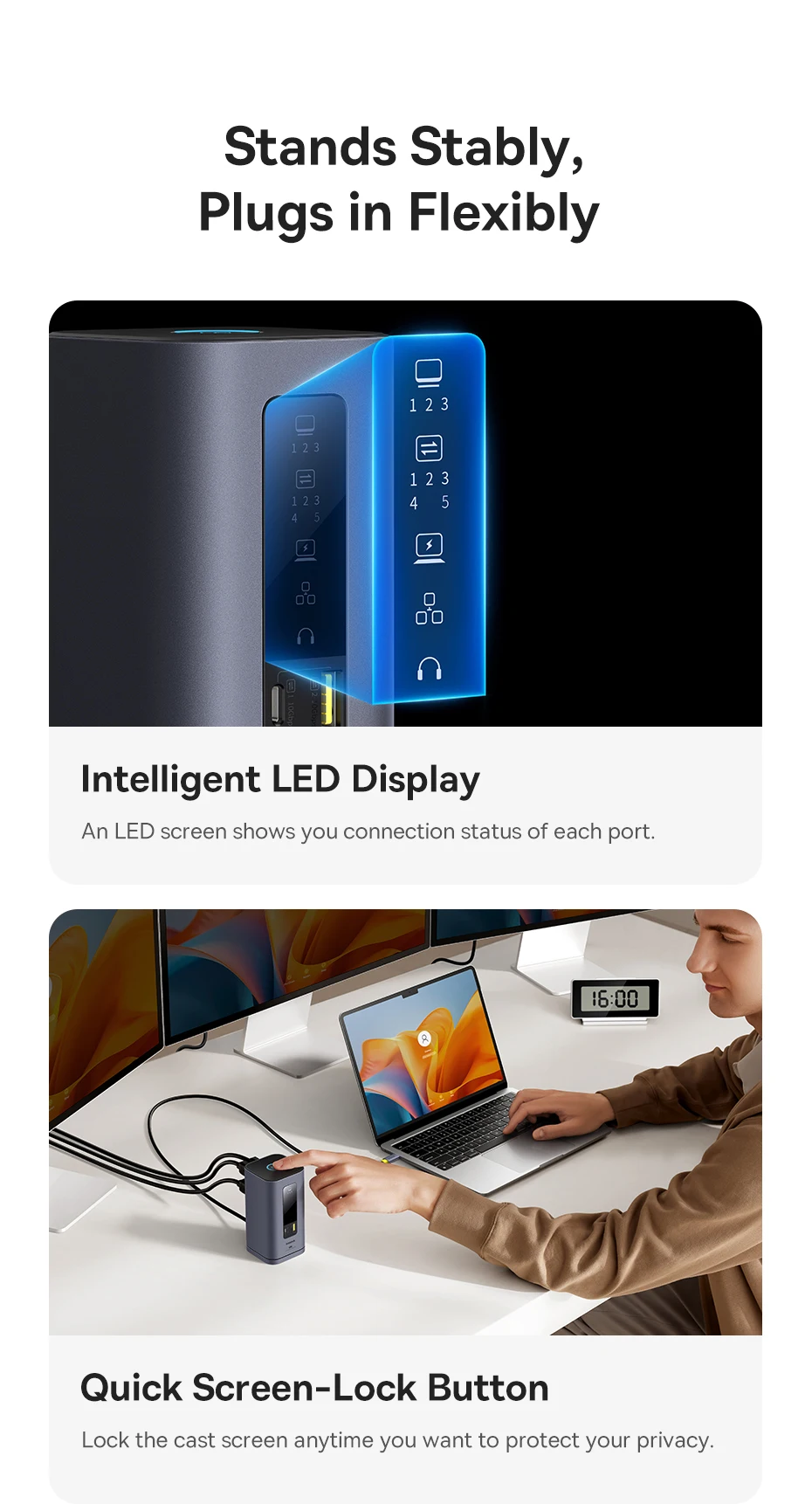
③【Smart LED Display】An LED screen shows you connection status of each port.
④【Screen-Lock Button】Lock the cast screen anytime you want to protect your privacy.
⑤【Small, but Powerful】Just the size of a coffee mug, easy to set it up anywhere on your desk.
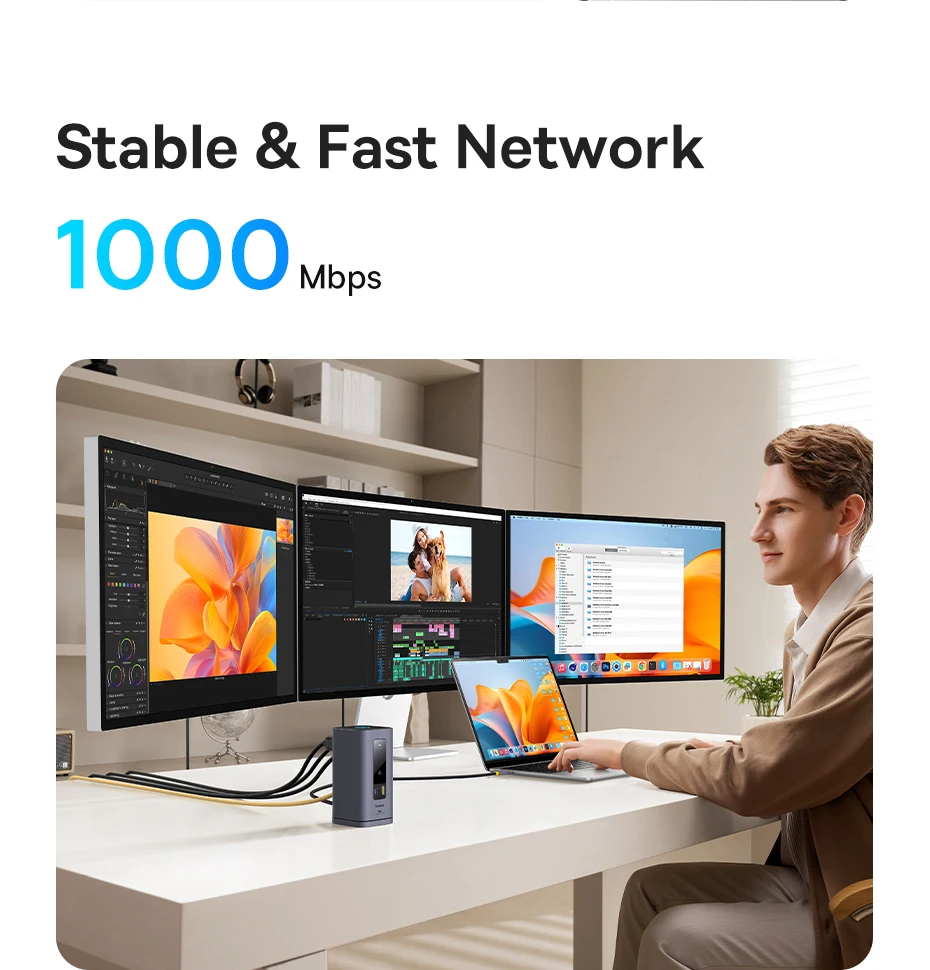
⑥【Stable & Fast Network】Up to 1Gbps.
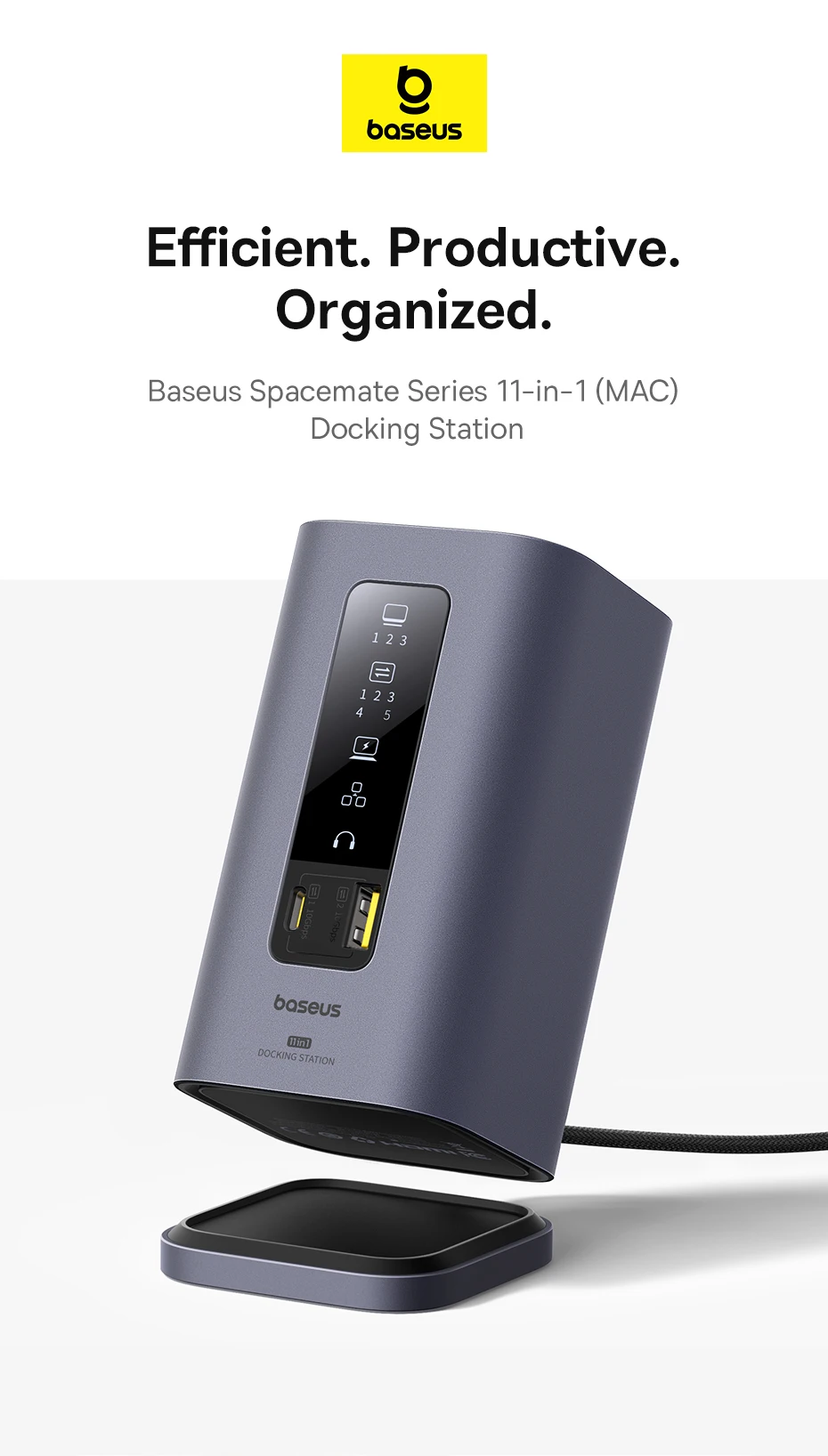

11-in-1 Massive Expansion
Top Button: For Screen-Lock Function
3 x Video HDMI: 4K@60Hz (Max.)
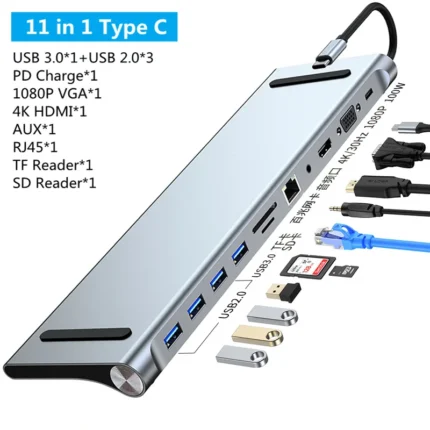
1 x USB-C 3.2 Data Port: 10Gbps (Max.)
2 x USB-A 3.2 Data Port: 10Gbps (Max.)
2 x USB-A 2.0 Data Port: 480Mbps (Max.)
RJ45 Gigabit Ethernet: 1000Mbps
3.5mm Audio Jack: Audio in & out
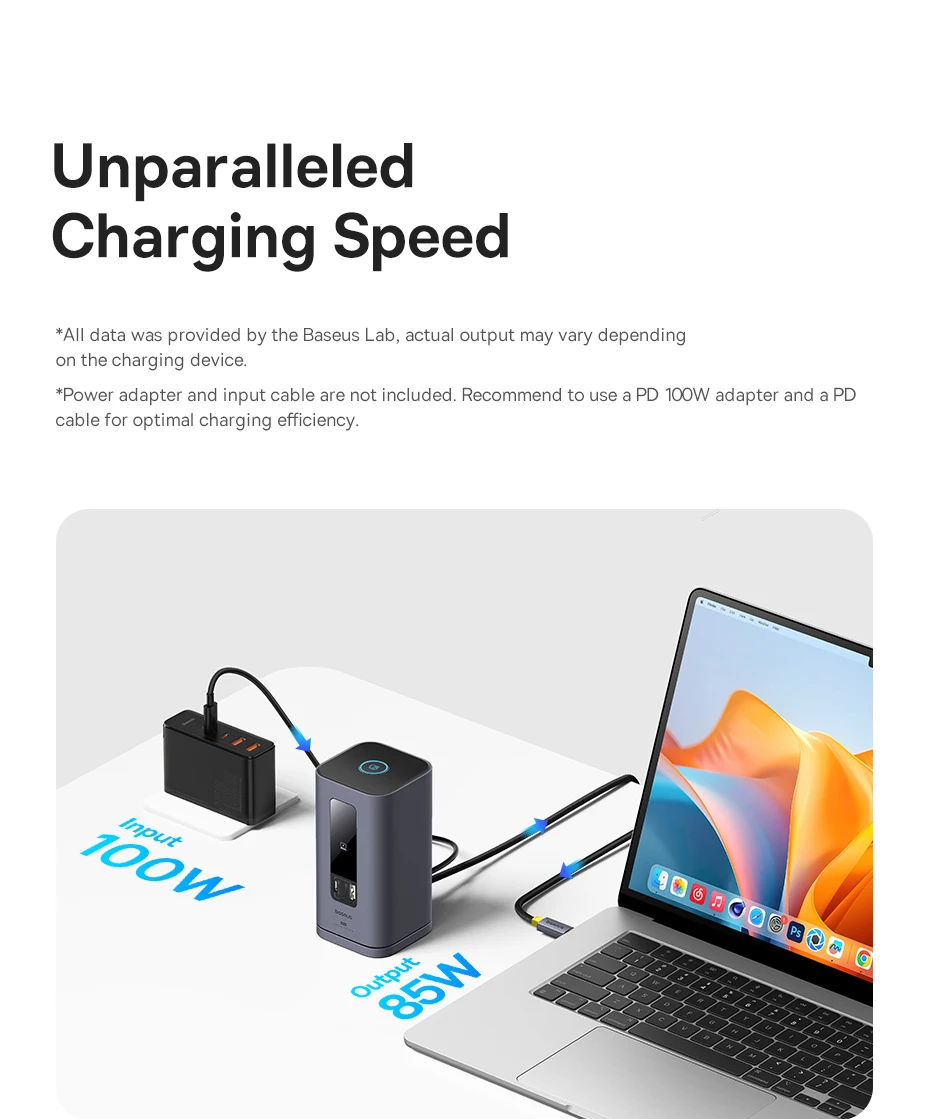
USB-C (PD) Power Input Port: 100W input (Max.)

Discover More with Your MacBook

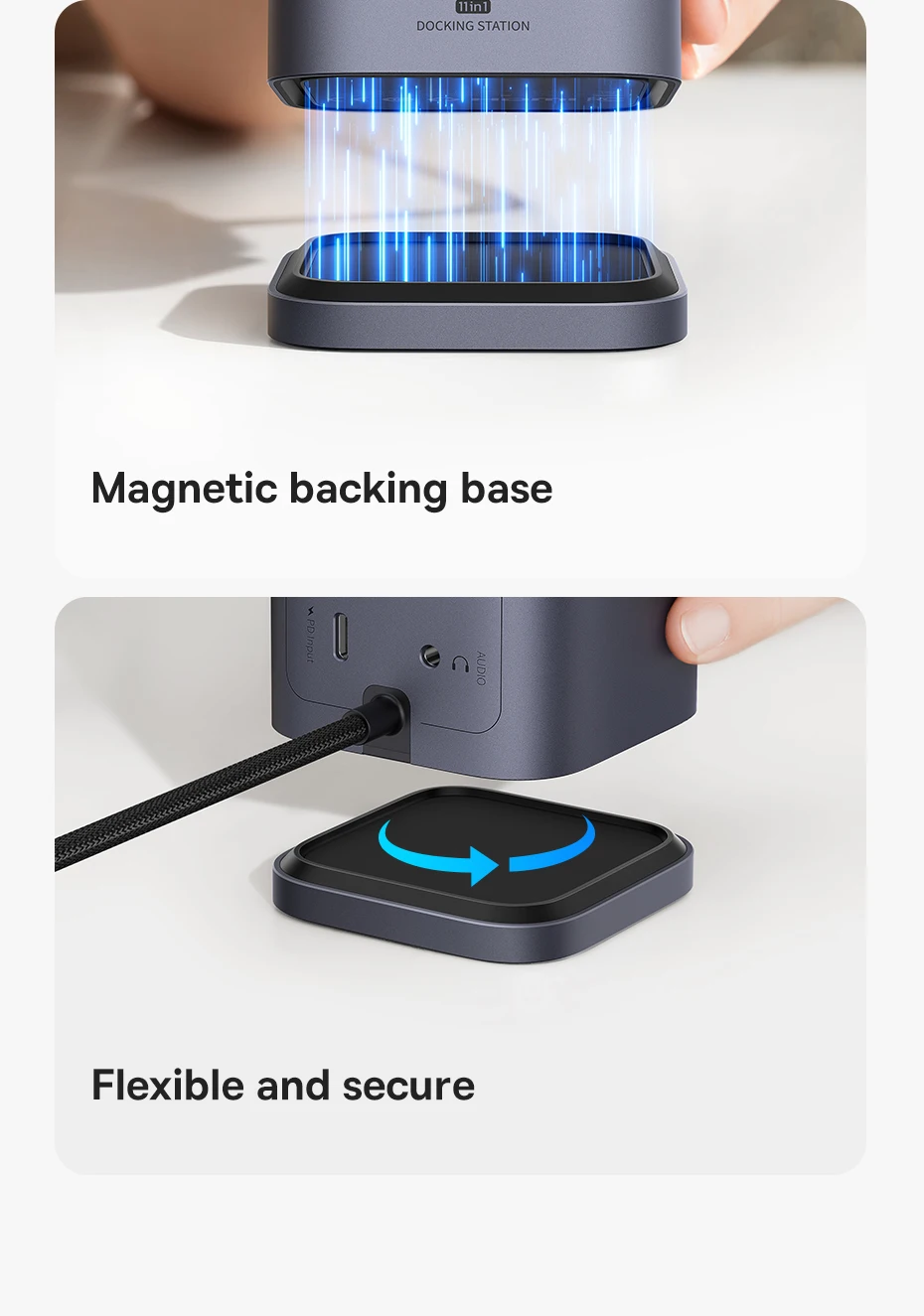
Stands Stably
✅Removable nano adhesive
✅Magnetic backing base
✅Flexible and secure

Stunning Triple Display on macOS
✅3 Modes for macOS:
① Main Monitor A to A+A+A Display
② Main Monitor A to B+B+B Display
③ Main Monitor A to B+C+D Display
Stands Stably, Plugs in Flexibly
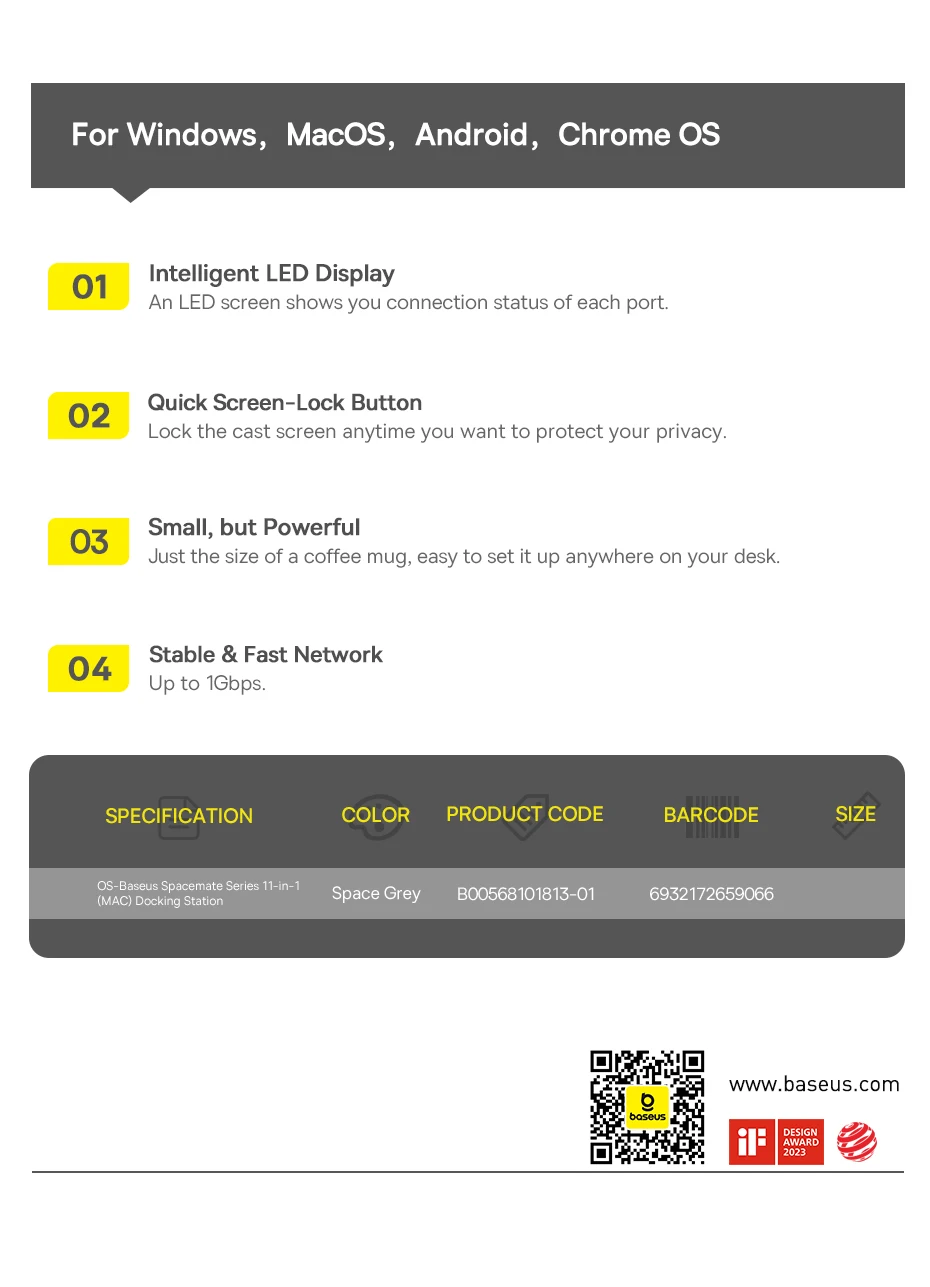
①【Intelligent LED Display】An LED screen shows you connection status of each port.
②【Quick Screen-Lock Button】Lock the cast screen anytime you want to protect your privacy.
③【Small, but Powerful】Just the size of a coffee mug, easy to set it up anywhere on your desk.

Moves Data Exceptionally Fast
Transfer a 20G file in 20s
Unparalleled Charging Speed
*All data was provided by the Baseus Lab, actual output may vary depending on the charging device.
*Power adapter and input cable are not included. Recommend to use a PD 100W adapter and a PD cable for optimal charging efficiency.
Stable & Fast Network
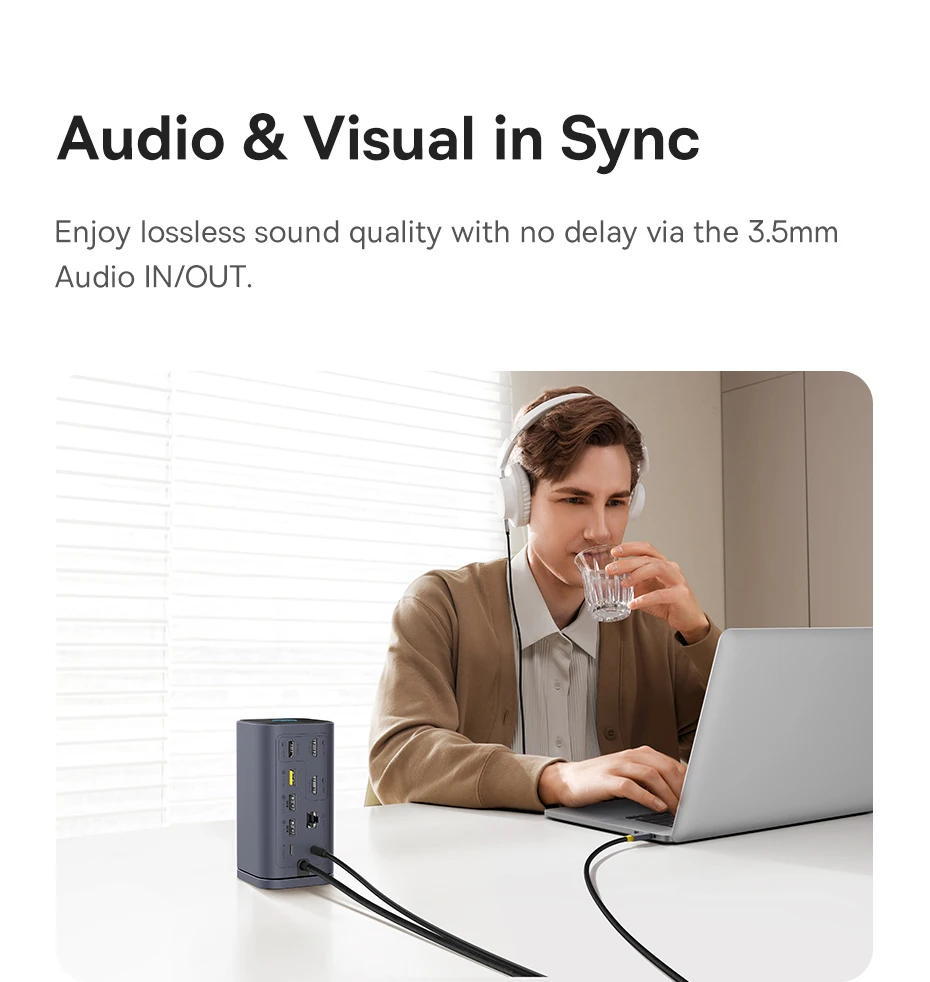
Audio & Visual in Sync
Enjoy lossless sound quality with no delay via the 3.5mm Audio IN/OUT.
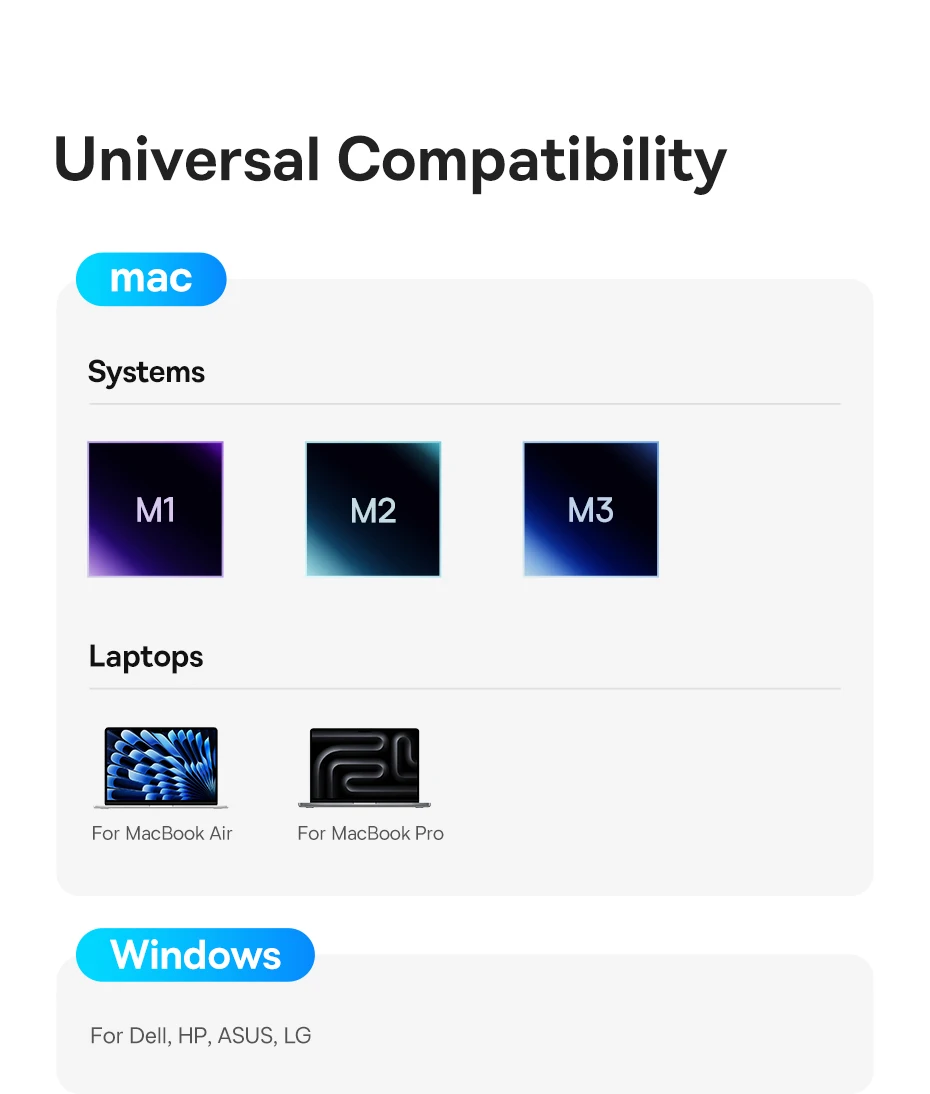
Universal Compatibility
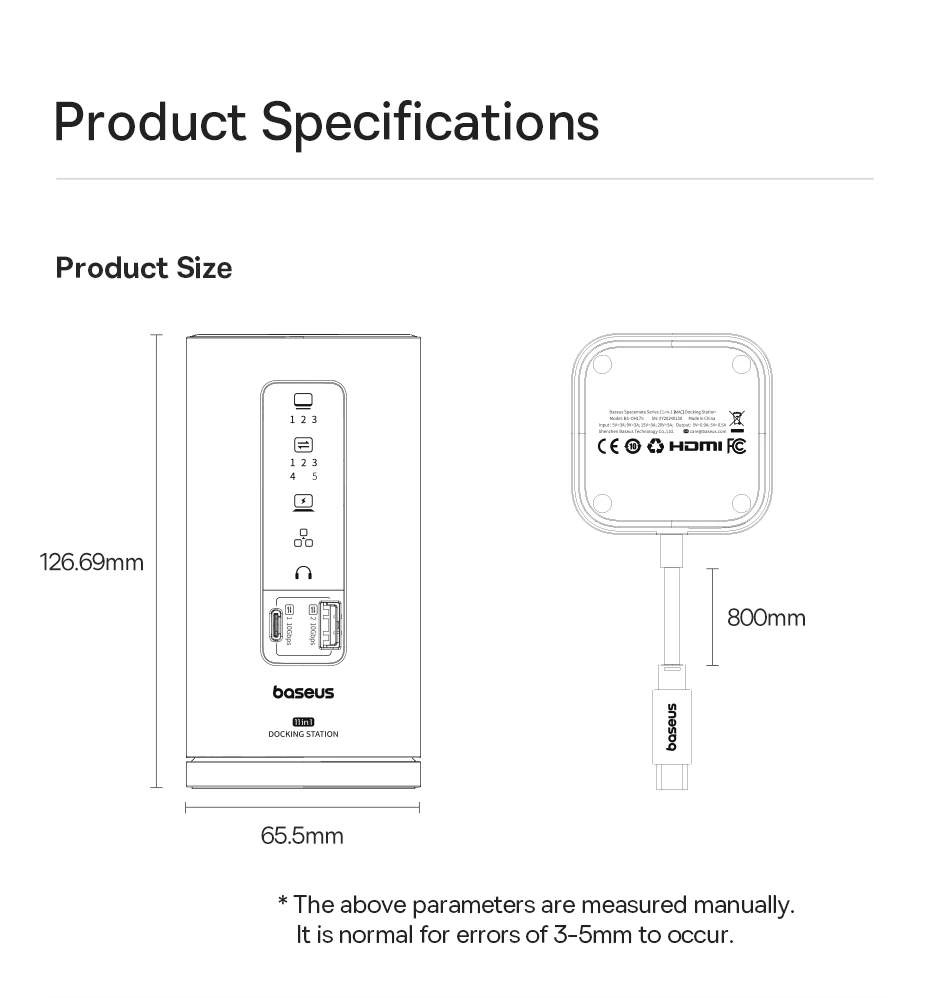
Specifications for【11-in-1 For MAC】
Name: Baseus Spacemate Series 11-in-1 (MAC) Docking Station
Model No: BS-OH175
Color: Space Grey
Material: Aluminum alloy
Product Weight: About 497g (without packaging)
Input Port: USB-C
HDMI 1: 4K@60Hz(Max.)
HDMI 2: 4K@60Hz (Max.)
HDMI 3: 4K@60Hz (Max.)
USB-A3.2×2: 10Gbps (Max.)
USB-C3.2×1: 10Gbps (Max.)
USB-A2.0×2: 480Mbps (Max.)
USB-C (PD): 100W input (Max.)
RJ45: 1000Mbps (Max.)
3.5mm Audio: 96kHz 24bit sample rate (Max.)
Input: 5V=3A; 9V=3A; 15V=3A; 20V=5A
Output: 5V=0.5A; 5V=0.9A
Operating Systems: Windows, macOS, Android, Chrome OS


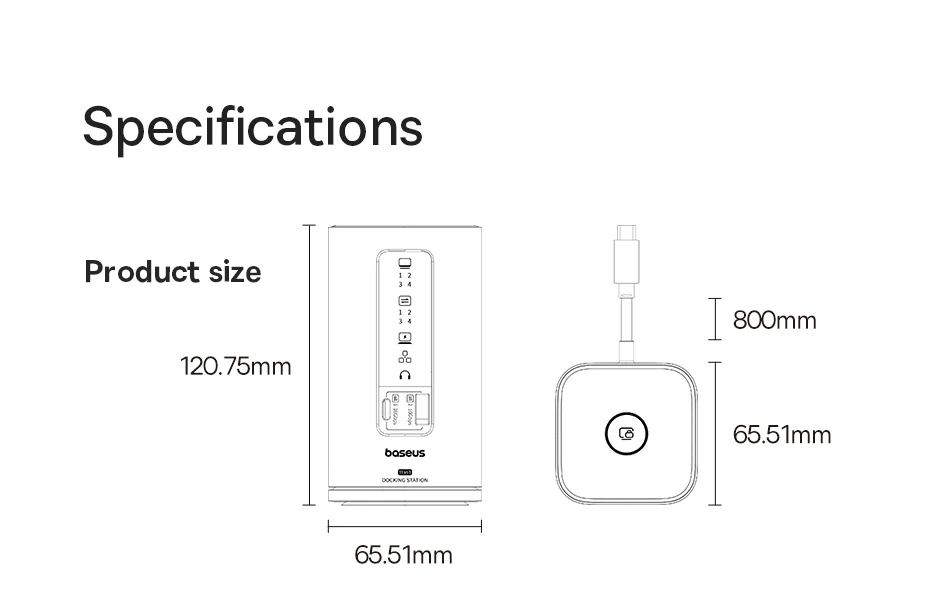
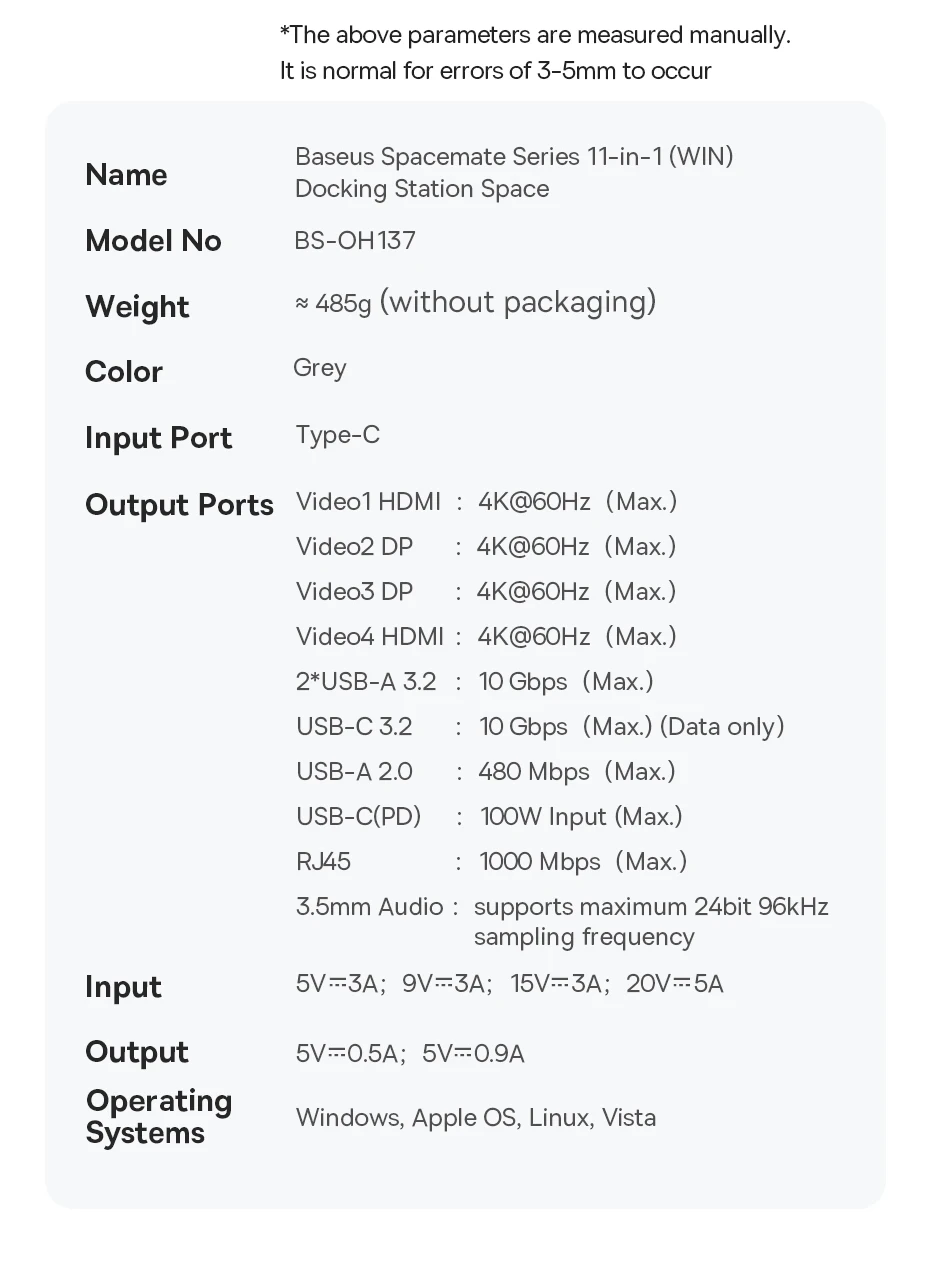
Specifications for【11-in-1 For WIN】
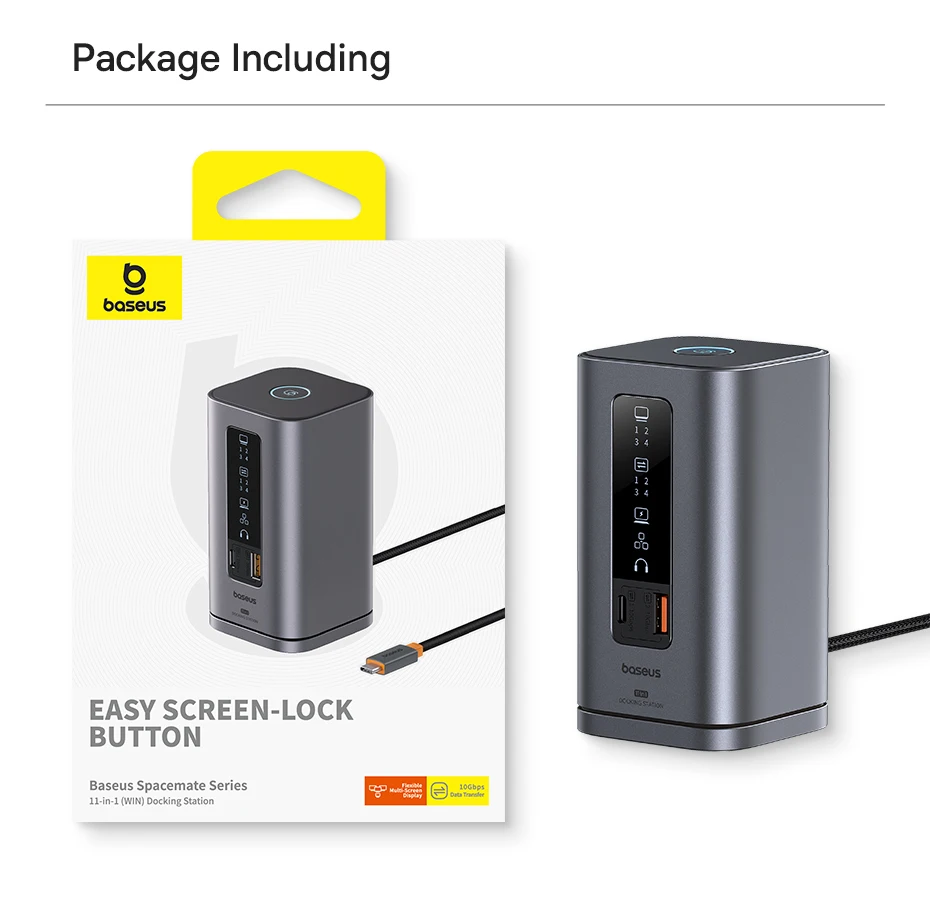
Name: Baseus Spacemate Series 11-in-1 (WIN) Docking Station Space
Model No: BS-OH137
Input Port: Type-C
Output Ports:
Video 1 HDMI: 4K@60Hz (Max.)
Video 2 DP: 4K@60Hz (Max.)
Video 3 DP: 4K@60Hz (Max.)
Video 4 HDMI: 4K@60Hz (Max.)
2*USB-A 3.2: 10Gbps (Max.)
USB-C 3.2: 10Gbps (Max.) (Data only)
USB-A 2.0: 480 Mbps (Max.)
USB-C(PD): 100W Input (Max.)
RJ45: 1000 Mbps (Max.)
3.5mm Audio: supports maximum 24bit 96kHz sampling frequency
Input: 5V=3A; 9V=3A; 15V=3A; 20V=5A
Output: 5V=0.5A; 5V=0.9A
Operating Systems: Windows, Apple OS, Linux, Vista
Specifications for【12-in-1 For WIN】
Name: Baseus Nomos NU1 Air Spacemate 12-in-1 Docking Station
Model No: BS-OH198
Input Port: USB-C
Output Ports:
Video 1: HDMI, 4K@60Hz (Max.)
Video 2: HDMI, 4K@60Hz (Max.)
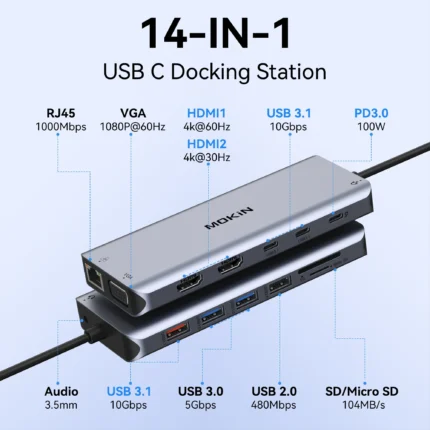
2 x USB-C 3.2: 10Gbps (Max.) data only
2 x USB-A 3.0: 5Gbps (Max.)
2 x USB-A 2.0: 480Mbps (Max.)
SD/TF: UHS-I, 104MB/S
RJ45 Gigabit Ethernet: 1000Mbps
USB-C (PD) x1: 100W input (Max.)
Input: 5V=3A; 9V=3A; 15V=3A; 20V=5A
Output: 5V=0.5A; 5V=0.9A
Operating Systems: Windows, macOS, Linux, Vista






 Smart watches wood edition
$599.00 + Shipping Charge
Smart watches wood edition
$599.00 + Shipping Charge
 iPhone dock
$49.00 + Shipping Charge
iPhone dock
$49.00 + Shipping Charge
 Ornare auctor
$429.00 + Shipping Charge
Ornare auctor
$429.00 + Shipping Charge
 Henectus tincidunt
$22.00 + Shipping Charge
Henectus tincidunt
$22.00 + Shipping Charge






















Reviews
There are no reviews yet.