- Frequency: 6 GHz
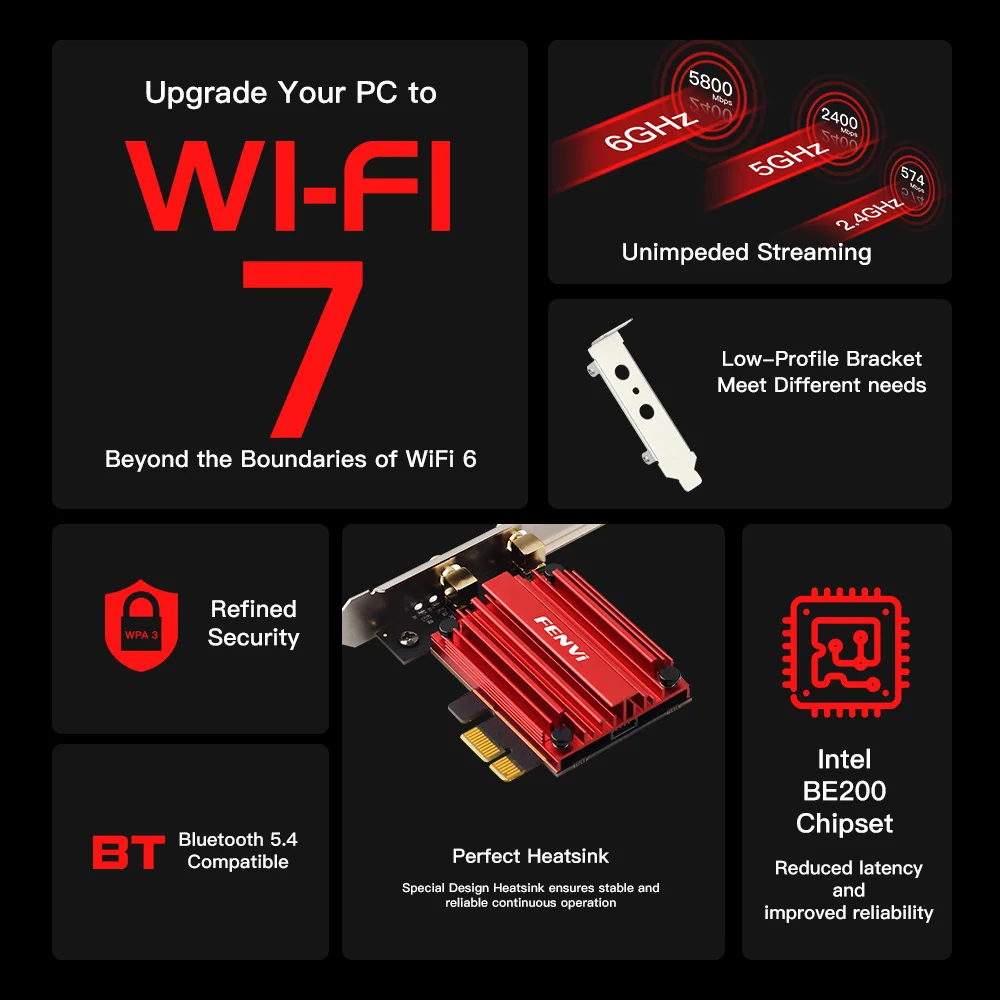
- Heat dissipation: Support
- Wireless Communication Standard: 802.11.be
- Frequency Band Class: Tri-Band
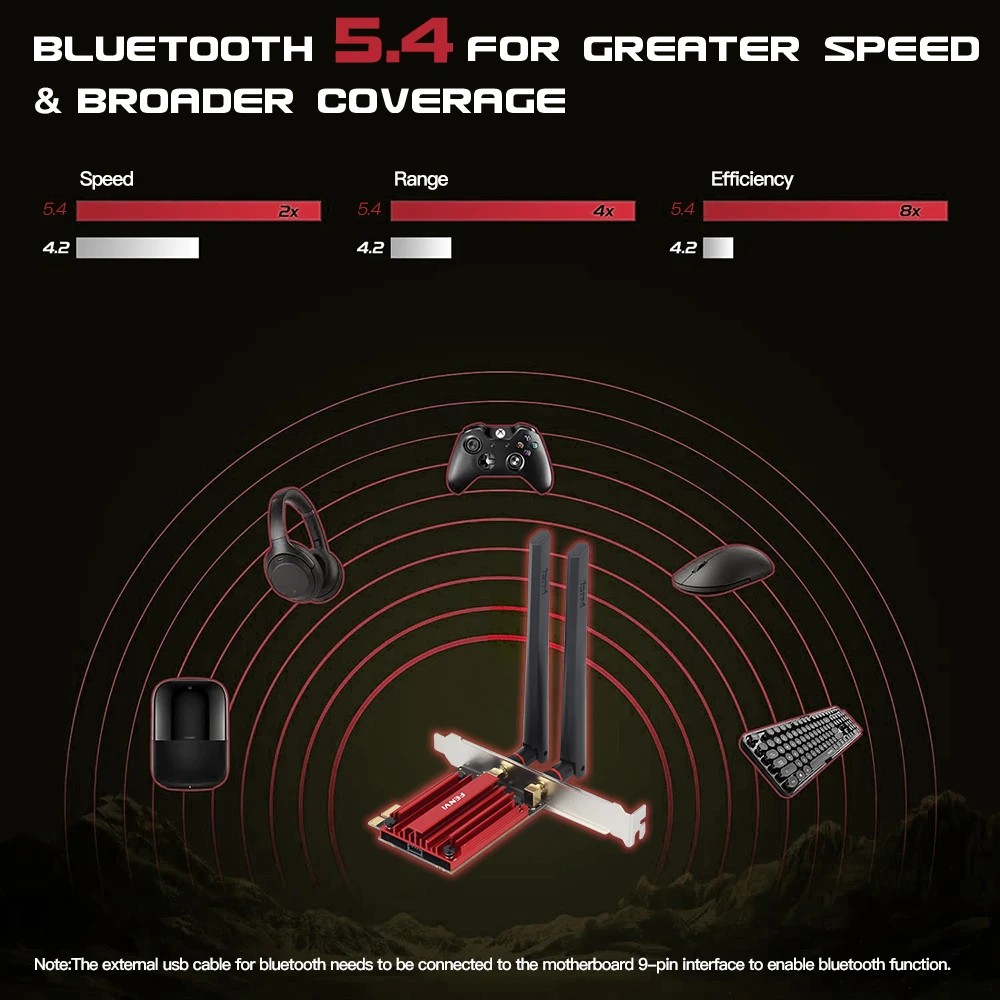
- Bluetooth Protocol: Bluetooth 5.4
- Wired socket: PCI-E
- Wireless socket: PCI-E
- Wired transmission rate: None
- Wired Interfaces: None
- Model Name: WI-FI 7 FV-BE200
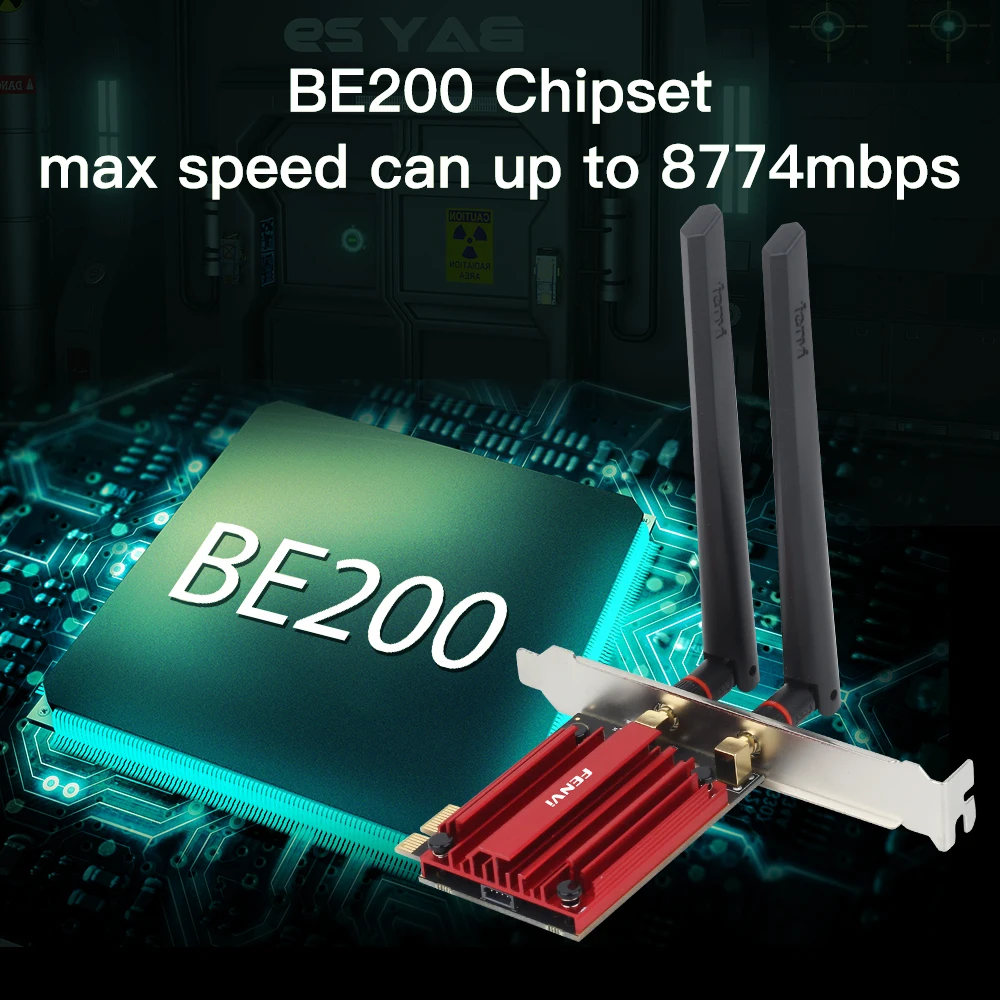
- Wireless transmission rate: 8000M
- High-concerned chemical: None
- Wi-Fi Supported Frequency: 2.4G & 5G
- Length: 17CM
- Lan Transmission Rate: 1000M Ethernet
- Transmission Speed: 1200 Mbps
- Applicable Network Type: Fast Ethernet
- Wireless Protocol: 802.11n,802.11ax(802.11ax),802.11a/g,802.11ac
- Certification: CE
- Package: Yes
- Model Number: WI-FI 7 FV-BE200
- Application: Desktop
- Interface Type: PCI Express
- Adapter Socket: PCI-E
- Kind: Internal
- Transmission Rate: 1000Mbps
- Type: WireLess
- Brand Name: fenvi
- Origin: Mainland China
- PCIE Wireless Adapter: WiFi 7 BE200NGW
- Bluetooth Version: Bluetooth 5.4
- System Support: Windows10/11-64bit
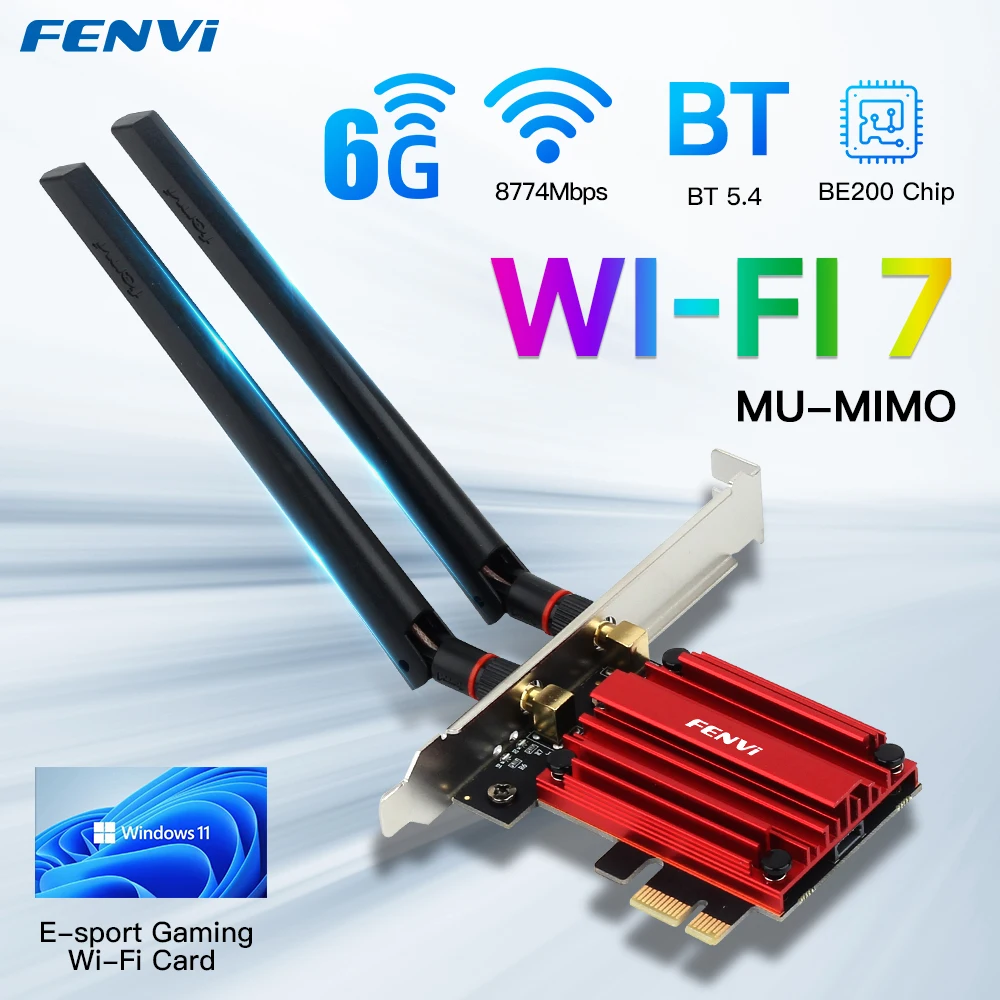
FV-BE200 WIFI 7 Intel be200 Pcie Wireless Network Adapter Bluetooth 5.4
Model: WiFi 7 FV-BE200 PCIE Adapter
New Wi-Fi 7 with Blutetooth 5.4;
Standard IEEE: 802.11be;
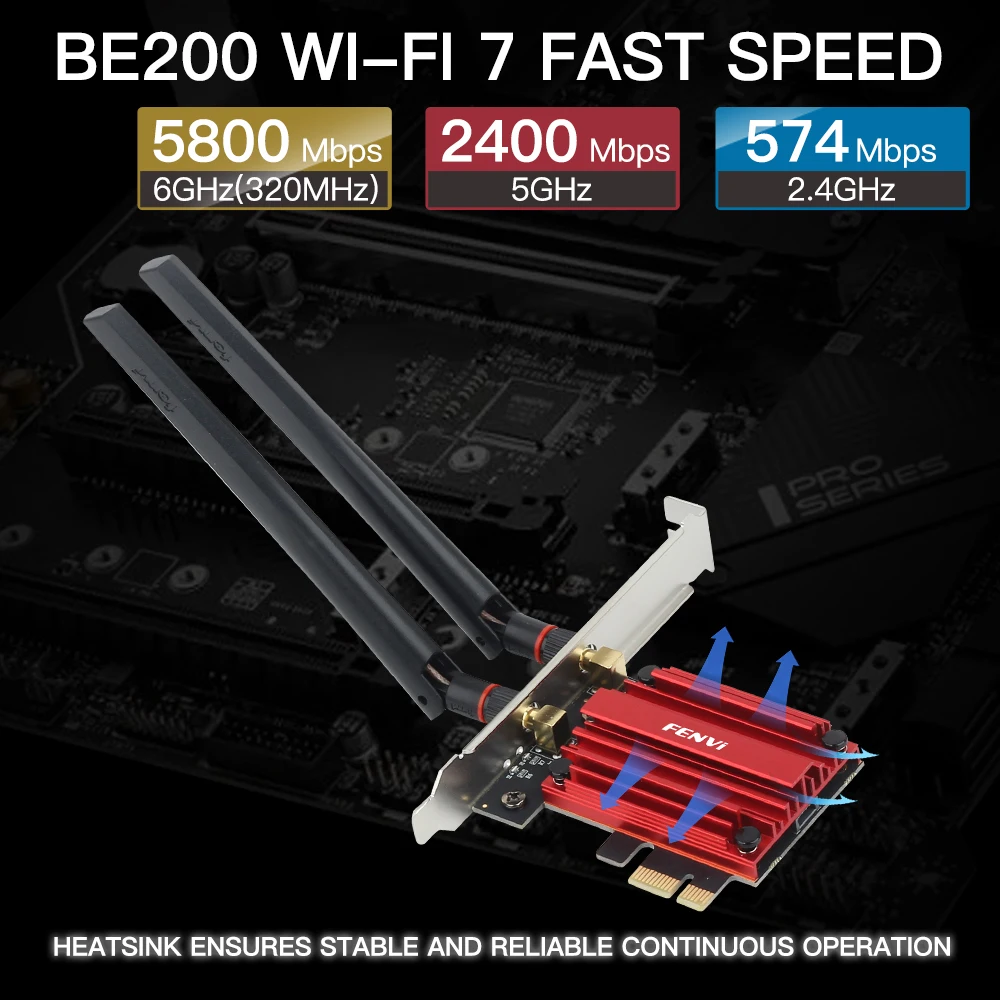
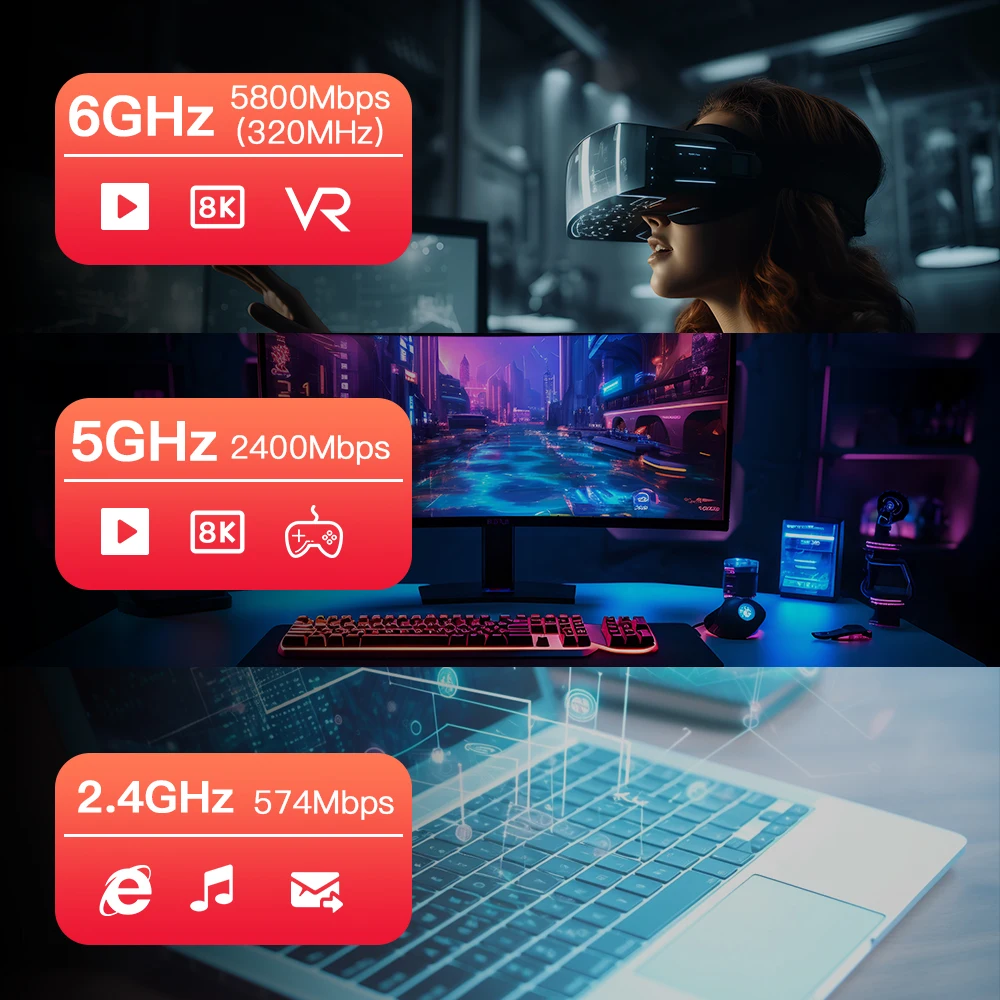
2.4Ghz-574Mbps/5Ghz-2400Mbps/6Ghz-5.8Gbps(320Mhz);
Note: fv-be200 is not compatible with AMD
Operating Systems:Only Support Windows 10/11 *64bit ;
Support MU-MIMO&OFDMA;
Compatibility With:Almost computer with PCI Express (PCI-E 1X/4X/16X slot) Intertaces
Note: If you need the driver, please contact us.
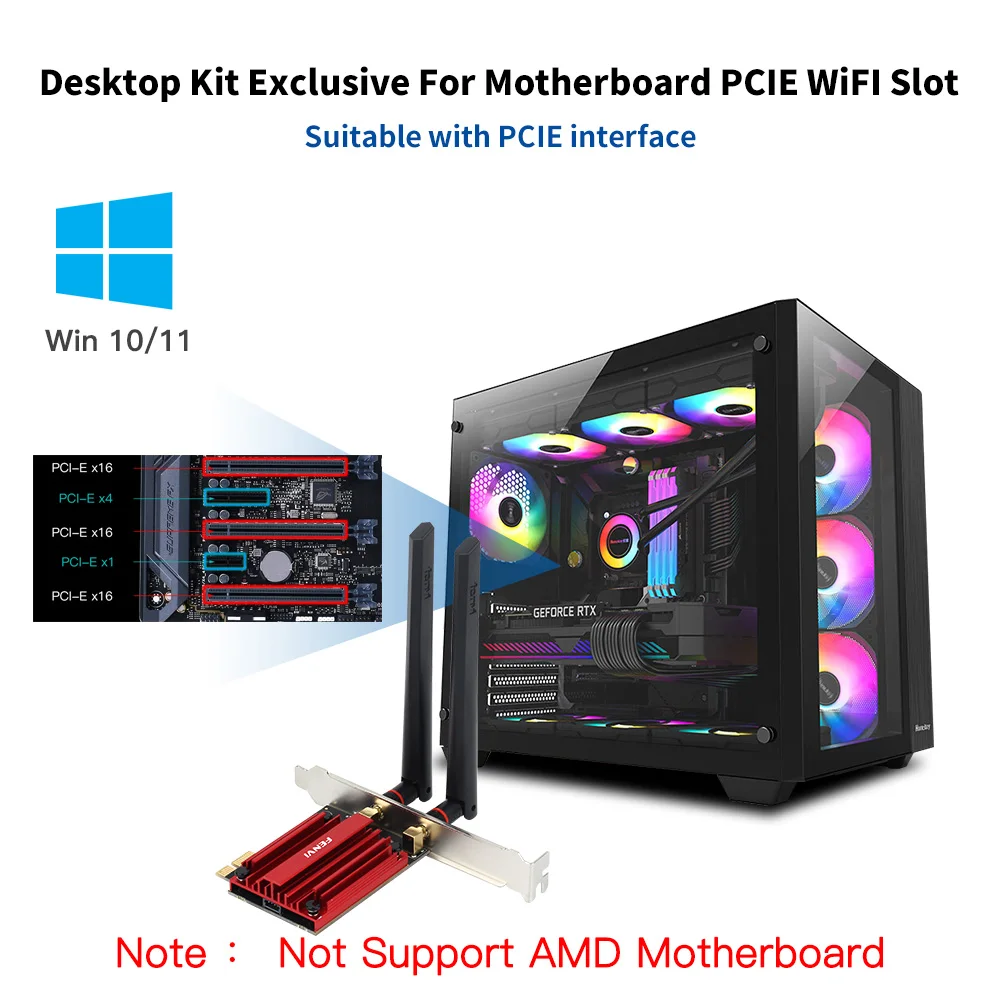
Q1: Does it work on AMD chipset motherboard?
A: NO
Q2: Does it support Linux system?
A: Sorry, dear. currently we only provide Win 10 and Win 11 driver, no Linux service.
Q3: Does it support WiFi and Bluetooth function?
A: Yes, both support. But please pay attention to that the drivers for WiFi and Bluetooth are separate and you need to install two drivers.
Q4: The bluetooth doesn’t work, what should I do?
A: Please connect the 9-pin USB cable (black) included in the package to the 9-pin USB 2.0 interface on the motherboard. The white end connects to the pcie network card adapter socket. Then install the bluetooth driver.
Q5: The WiFi doesn’t work, what should I do?
A: ① Check whether the device wifi is recognized by the computer in the device manager. If there is a network controller with a yellow exclamation mark, please install the wifi driver. If the driver is already installed, a yellow warning will still be displayed. Please right-click, click Update, and select the driver file path to manually update.
② Check whether there is an M.2 hard disk on the motherboard, which may cause a hardware function conflict. The M.2 hardware in the parallel channel needs to be unplugged.
Check that the antenna connection is secure.
* If your desktop computer has built-in wifi function, please turn off the built-in wifi when using it on the desktop computer.
Q6: How can I get the driver?
A: You can download the driver on FENVI website or From Intel website(Search WIFI 7 BE200)
Q7: The motherboard has built-in wifi, but wifi 5 is a bit slow, can I buy this adapter for upgrade?
A: If your PC has an open PCI-E slot, you can use it to upgrade. But when installing this adapter, you have to disable the built-in card.
Q8: The WiFi speed cannot reach 5800Mbps on 6GHz? Unrecognized or wifi speed slow down after using for a while?
A: ① The Maximum wireless signal rates are the physical rates derived from IEEE Standard 802.11 specifications. Actual wireless data throughput and wireless coverage, and the number of connected devices is not guaranteed and will vary as a result of network conditions, AP limitations, and environmental factors, including building materials, obstacles, volume and density of traffic, and AP location.
② You can try different things by changing different pcie slots (pcie×16 available).
* Please note that 6GHz Wi-Fi is only available for Win 11 or upgrading to Win 10 Dev version; Speed up to 5GHz-2400Mbps/6GHz-5800Mbps; (The router must support 802.11be, 320Mhz)


 Smart watches wood edition
$599.00 + Shipping Charge
Smart watches wood edition
$599.00 + Shipping Charge
 iPhone dock
$49.00 + Shipping Charge
iPhone dock
$49.00 + Shipping Charge
 Ornare auctor
$429.00 + Shipping Charge
Ornare auctor
$429.00 + Shipping Charge
 Henectus tincidunt
$22.00 + Shipping Charge
Henectus tincidunt
$22.00 + Shipping Charge
























Reviews
There are no reviews yet.