- Luminous Flux: 2000-82000
- High-concerned chemical: None
- Is Smart Device: Yes
- Power Generation: Switch
- Is Batteries Included: No
- Nominal Voltage: 5V
- Model Number: WS2812
- LED Chip Model: SMD5050
- Average Life (hrs): 50000
- Certification: ce,FCC,ROHS,UL
- Power Source: DC
- Origin: Mainland China
- Strip type: SMD
- Specifications (light beads / m): 60
- Item Type: Strip
- Brand Name: FUNZENXIN
- Voltage: 5V
- LEDs Number/M: 60
- LED Chip Brand: Epistar
- Waterproof: No
- Color Temp(K): 4500K
- Occasion: LIVING ROOM
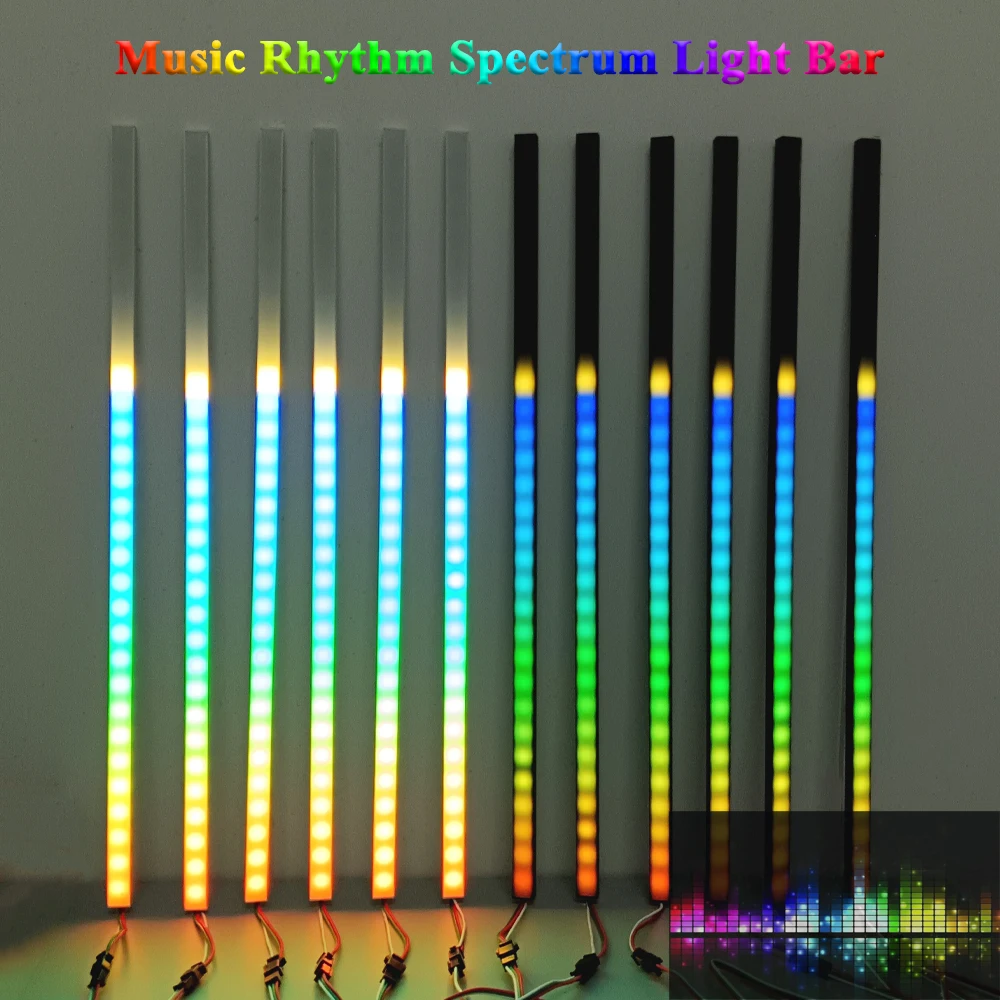
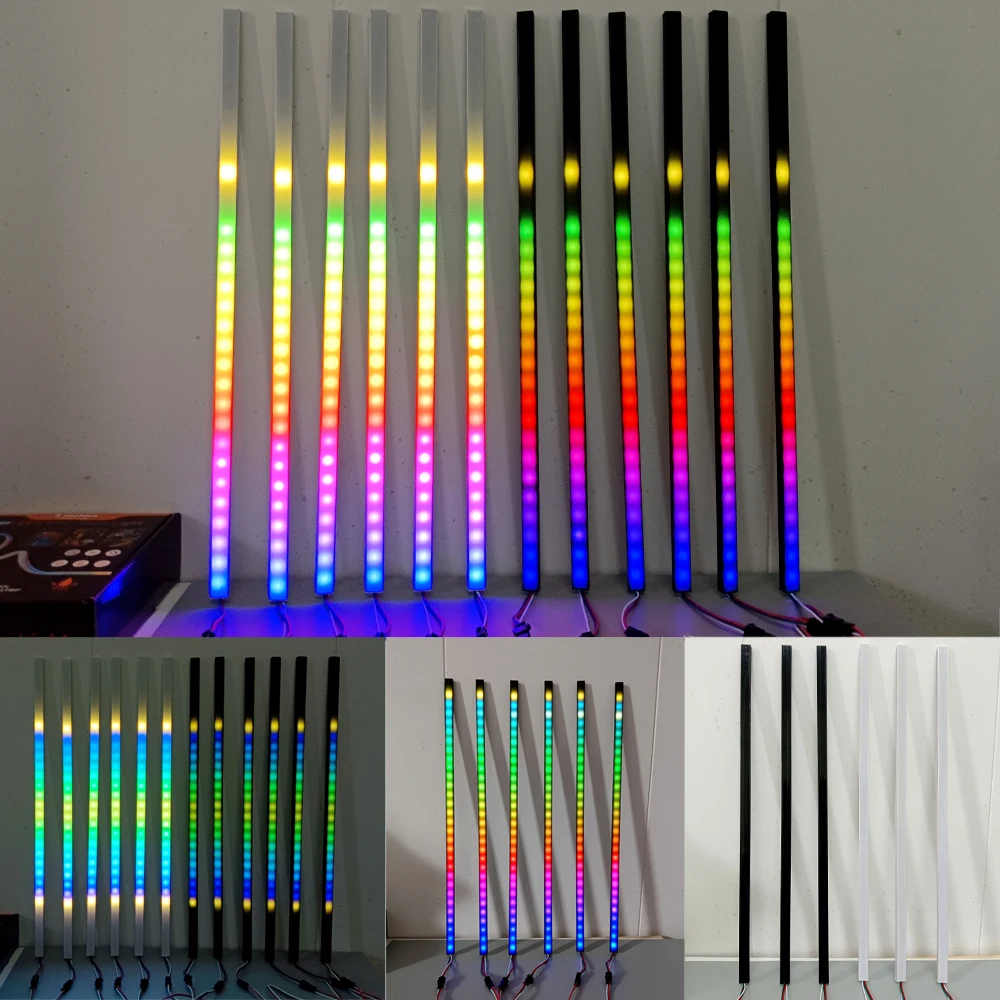
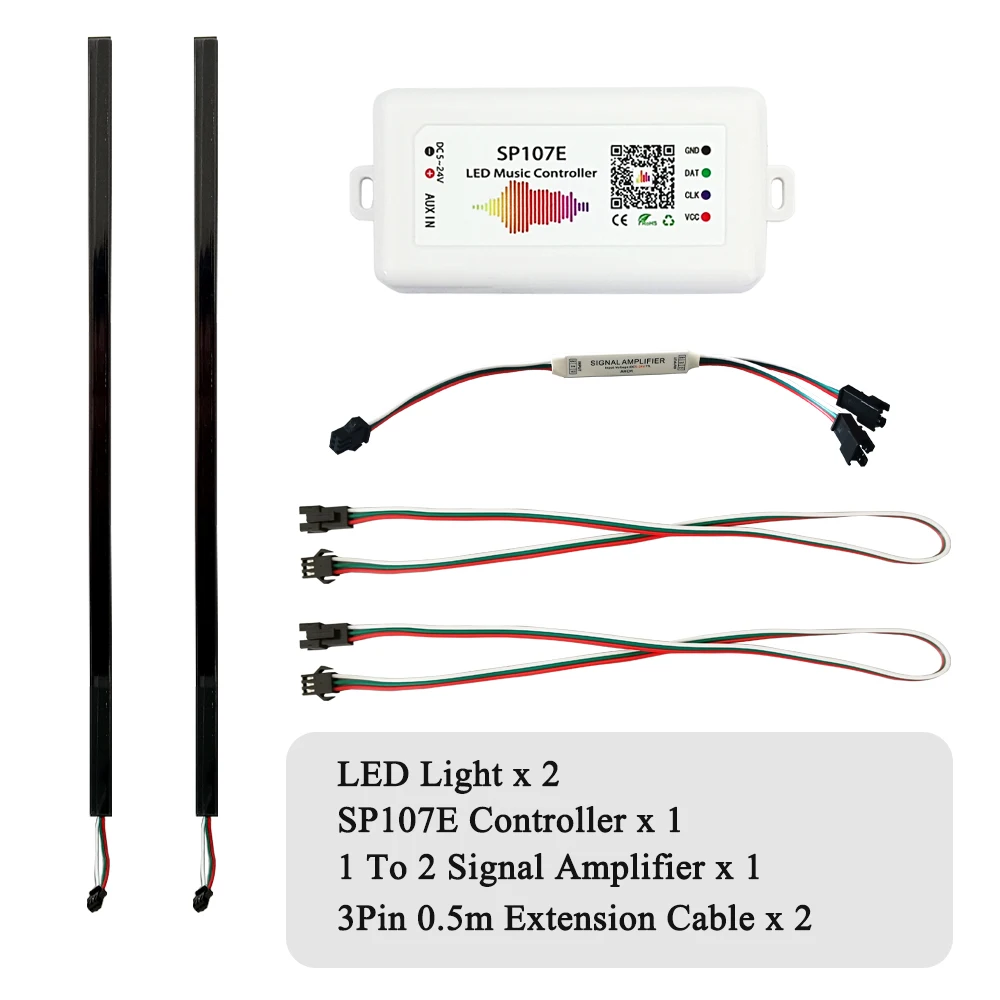
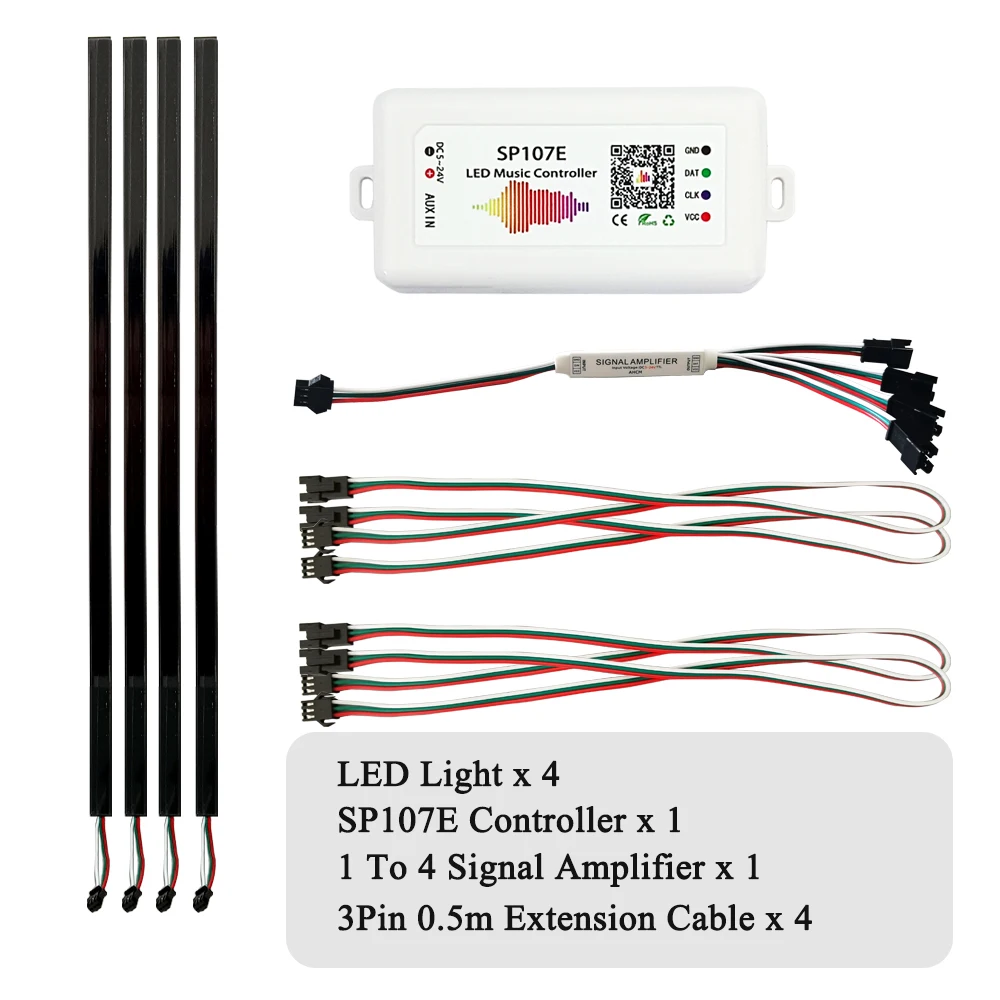
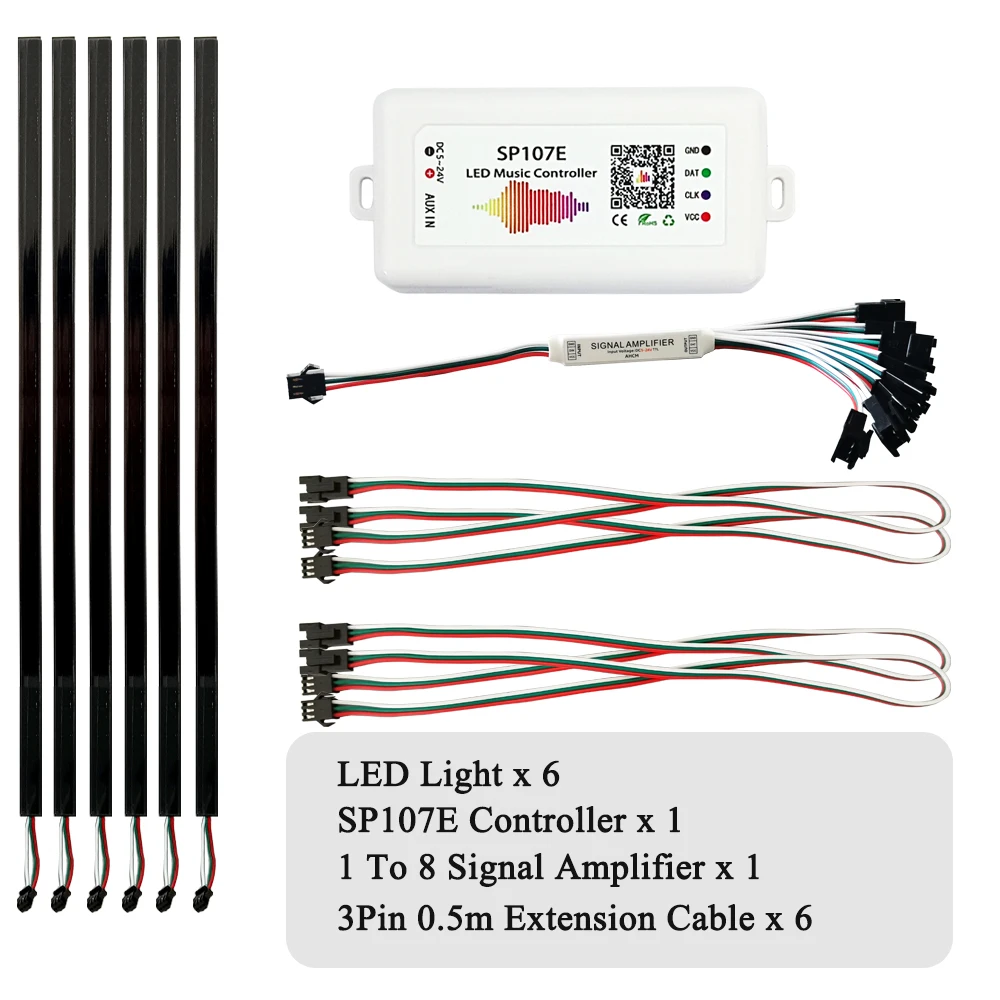
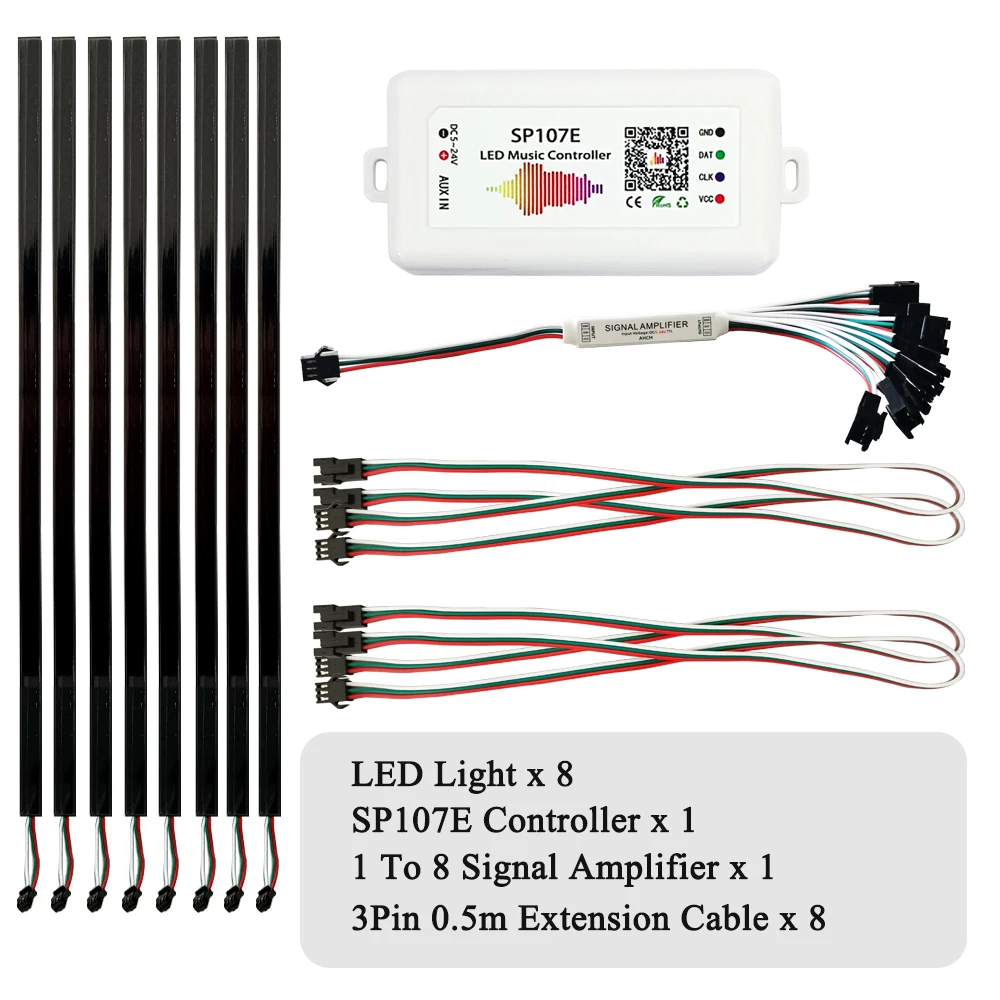
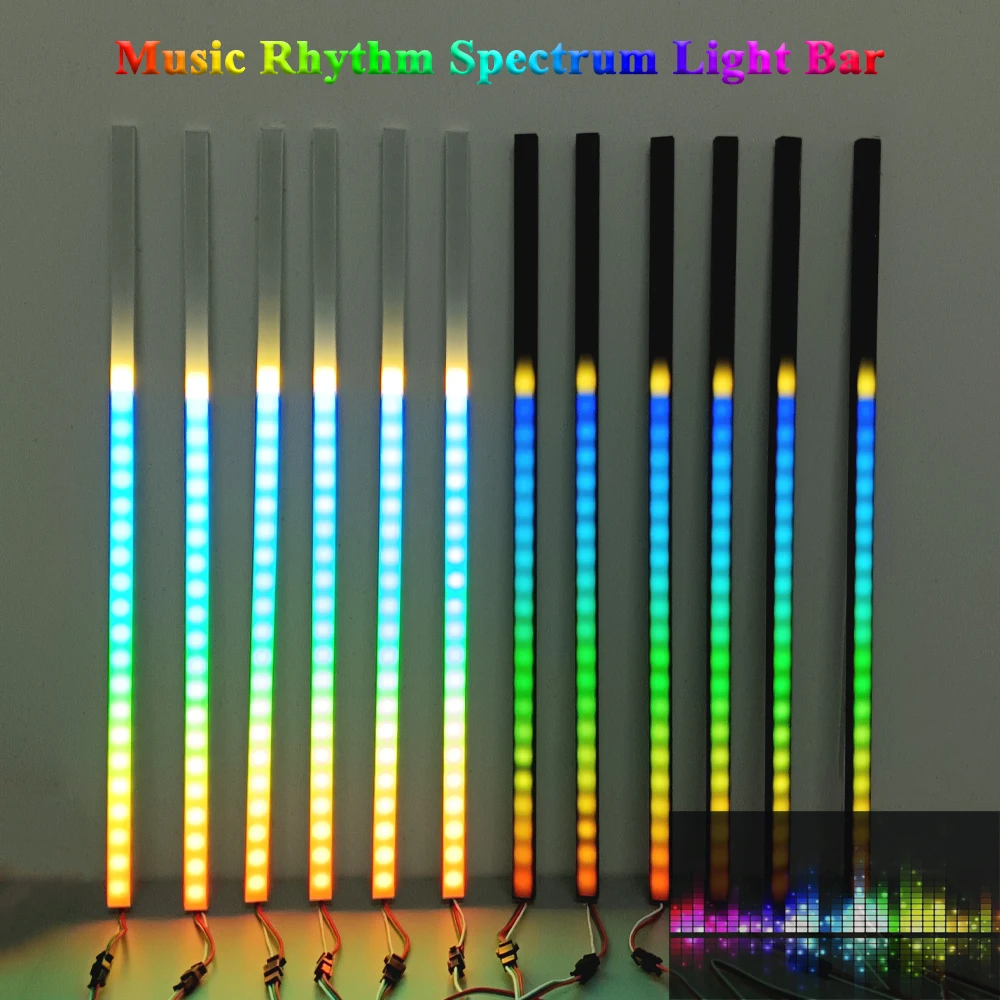
2025 NEW Music Rhythm LED Light Bar Kit DC5V 5050 RGB 60LEDs/m SP107E Bluetooth Controller Voice Control Audio Spectrum Sync Color Changing for Room/Party/Car
Note:
1.This link does not includes the power supply. You need to purchase additional DC5V 8A power supply.
2.The light bars are not waterproof, Please use indoors.
3.Please read the contents of the product carefully, if you are not clear, please contact customer service in time
4.If you receive the product, if you are not satisfied, please contact customer service in time, we will give a solution.
LED Light bar Features:
Input Voltage: WS2812-DC5V
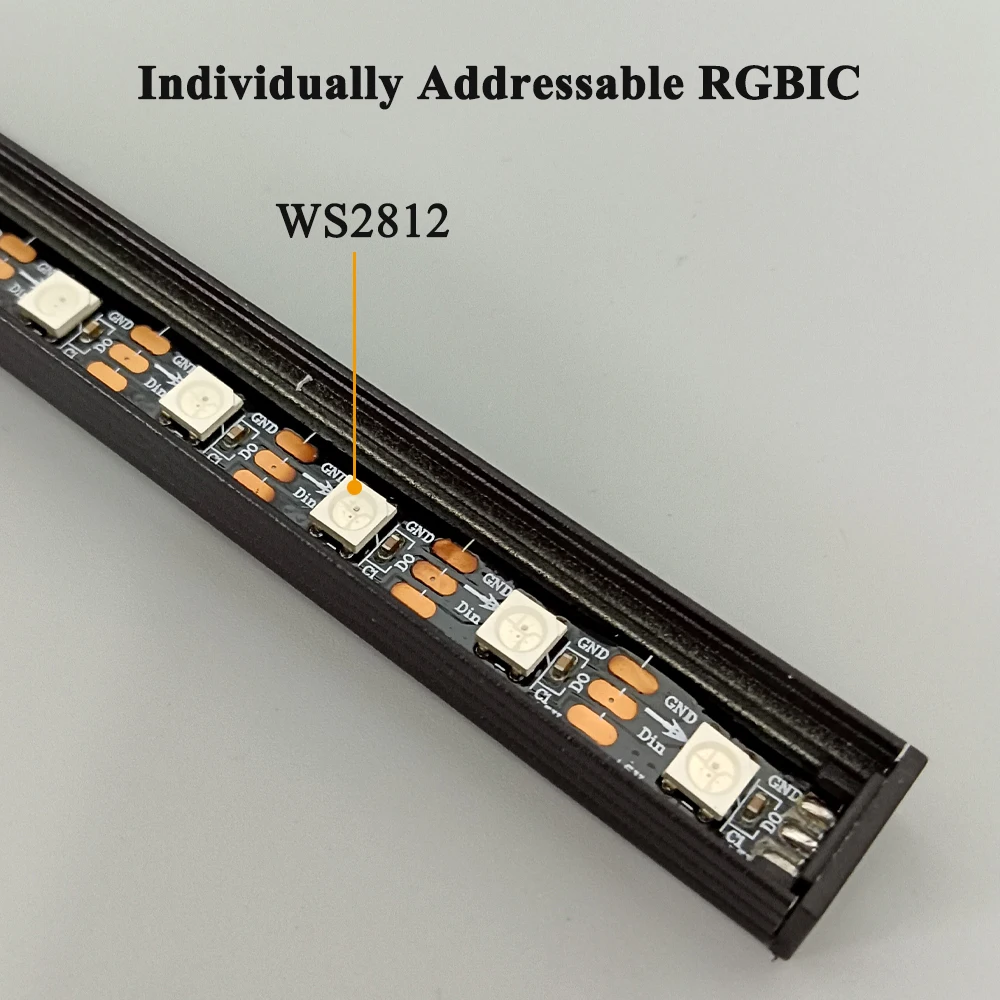
LED Resource: WS2812B
IC: WS2812—-1 IC Drives 1 Led Chip
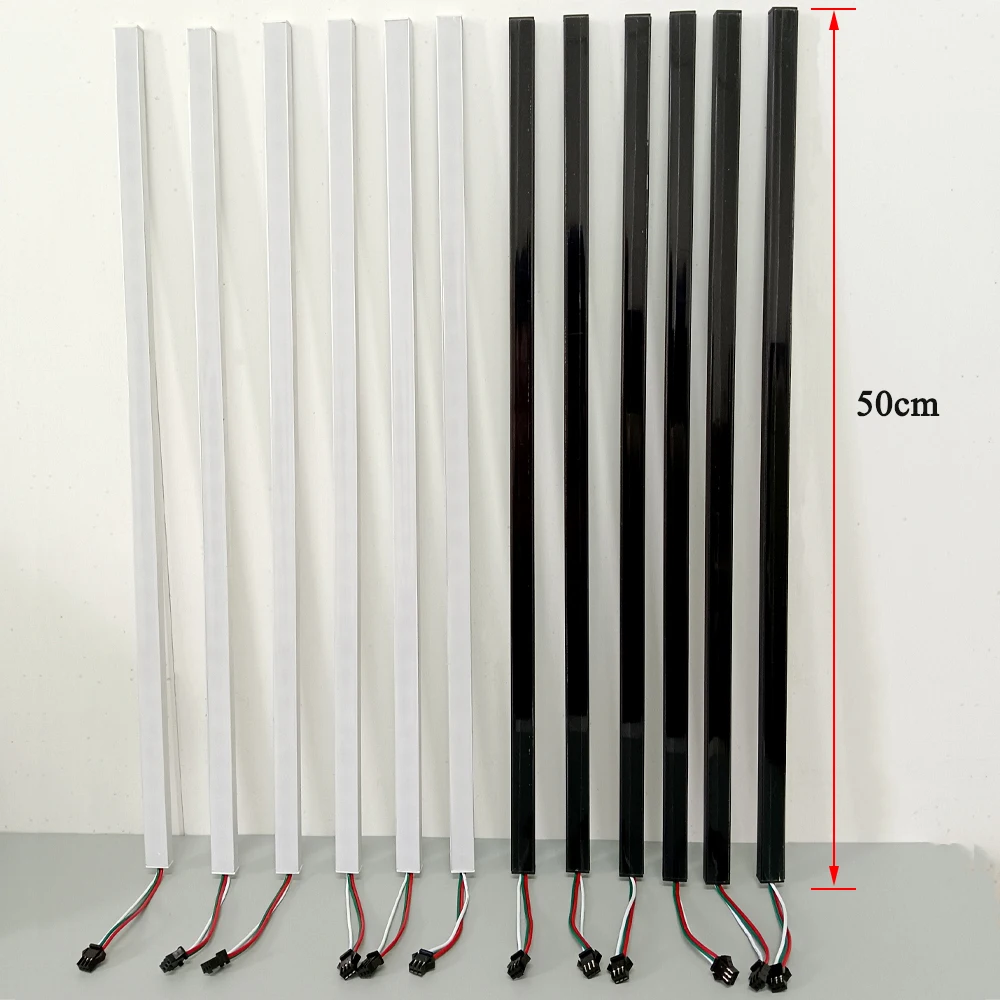
Pixels: 30 LEDs/PCS (0.5m, 60LEDs/m)
Grey Scale: 256
Bits/Color: 8-Bits/Color
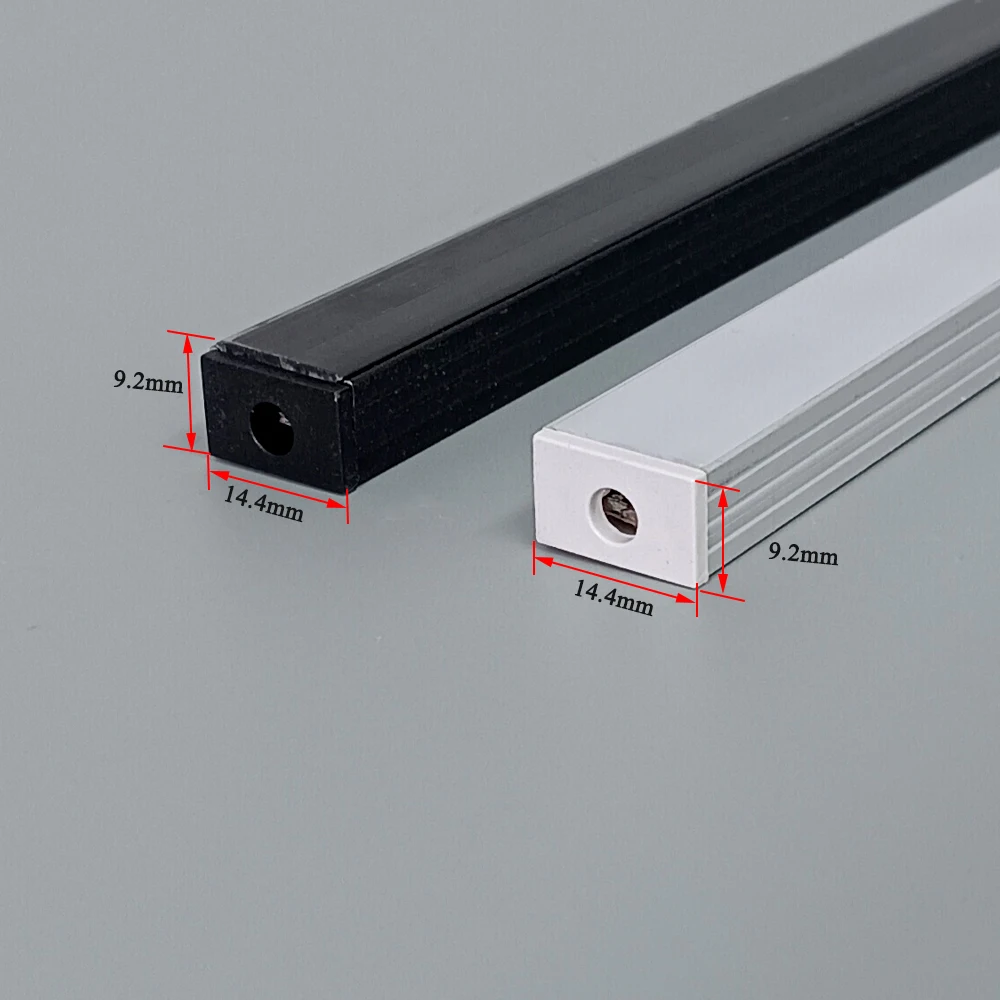
Appearance color: Black/White
Power: 0.24W/Light bead
SP107E Controller Features:
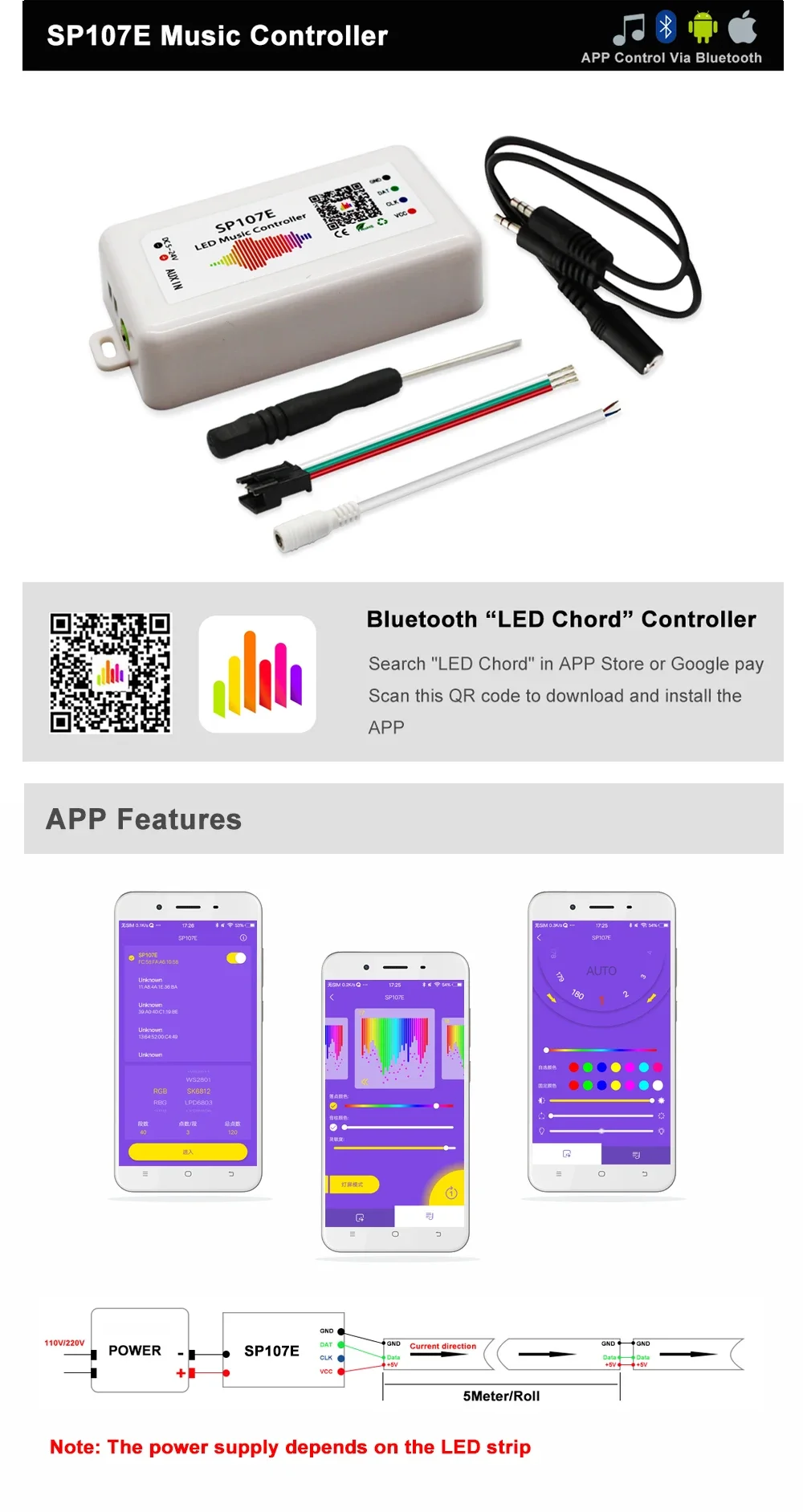
1) Long distance APP remote control via Bluetooth;
2) Support almost every kind of one-wire or two-wire LED driver IC ;
3) Brightness adjustable, With 180 kinds of patterns and 8 kind of color adjustable patterns;
4) Creatively usingfrom-image-to-effect method for user to DIY any effect;
5) Support setting pixel number and segments number, able to control up to 2048pixels;
6) DC5V~24V wide range working voltage, preventing reverse connection of power supply;
7) User setting saving;
SP107E Instructions:
1. Make sure you have turned on Bluetooth on your phone;
2. Open the APP, drag to refresh the device list, select device name “SP107E” to connect the controller, once connected you will be able to rename your controller;
3. Select RGB order and IC type;
4. Adjust the pixel numbers;
5.Press ENTER.


 Smart watches wood edition
$599.00 + Shipping Charge
Smart watches wood edition
$599.00 + Shipping Charge
 iPhone dock
$49.00 + Shipping Charge
iPhone dock
$49.00 + Shipping Charge
 Ornare auctor
$429.00 + Shipping Charge
Ornare auctor
$429.00 + Shipping Charge
 Henectus tincidunt
$22.00 + Shipping Charge
Henectus tincidunt
$22.00 + Shipping Charge























Reviews
There are no reviews yet.